Framer: From Prototype to Production
How Framer evolved from prototyping library to no-code website builder: visual breakpoints, component variants, CMS architecture, and AI wireframing.
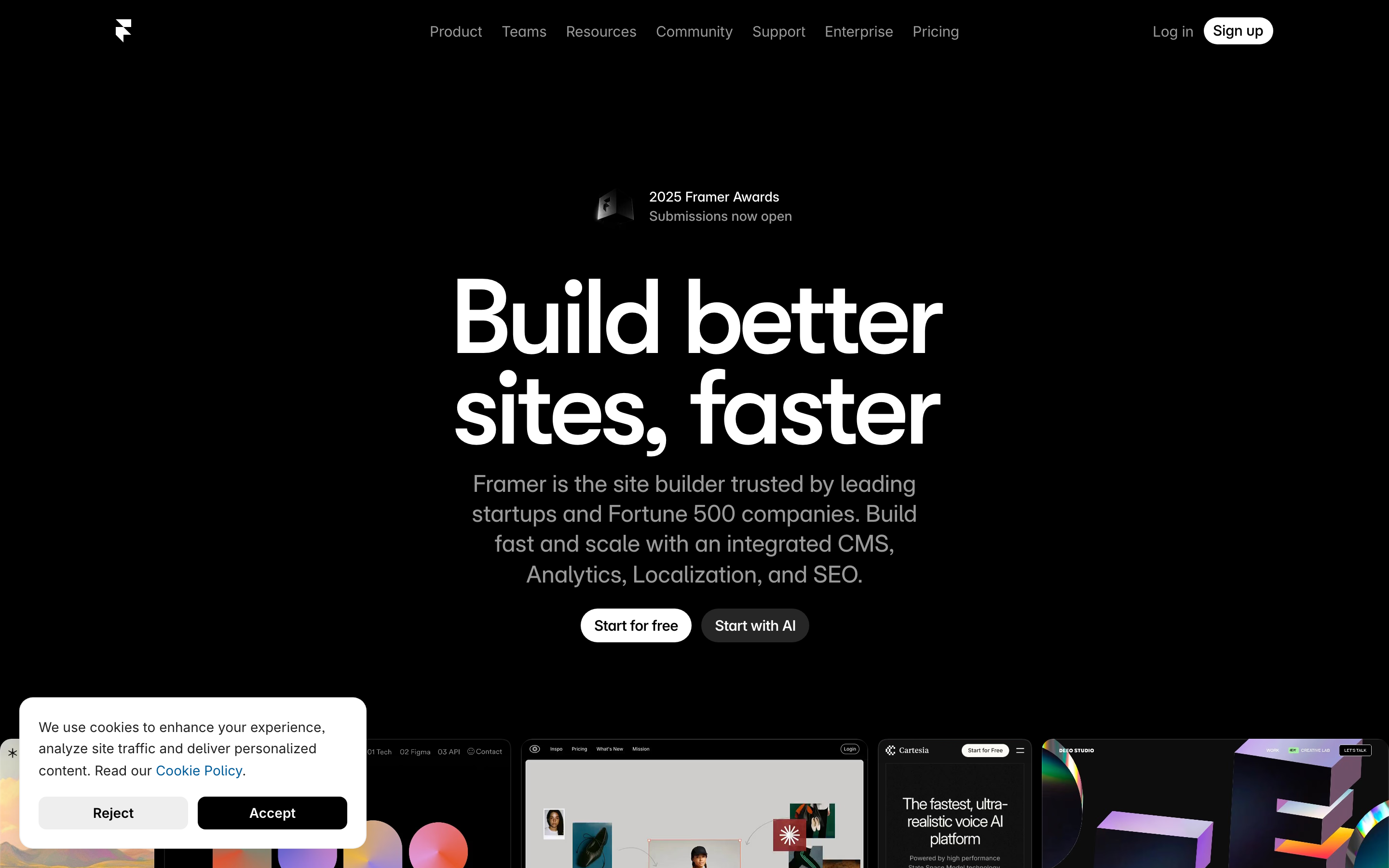
Framer: From Prototype to Production
“The gap between design and development should not exist.” — Koen Bok, Framer Co-founder
Framer represents the complete evolution of a design tool: from JavaScript prototyping library (2014) to visual IDE (Framer X, 2018) to full no-code website builder (2022+). Its journey teaches us about adapting to user needs while maintaining core philosophy.
Why Framer Matters
Framer solved the “handoff problem” by eliminating it entirely. Instead of designers creating mockups that developers rebuild, Framer outputs production-ready websites directly.
Key achievements:
- Bridged the design-to-code gap completely
- Made responsive design visual and intuitive
- Built a thriving template marketplace ecosystem
- Integrated AI without abandoning design principles
- Raised $100M at $2B valuation (August 2025)
Key Takeaways
- Pivot without abandoning mission - Framer went from CoffeeScript library to React IDE to no-code builder, but the core mission never changed: eliminate the design-to-development gap
- Make technical concepts visual - Responsive breakpoints, flexbox, and CMS schemas become intuitive when represented as draggable handles and visual editors
- AI as scaffold, not solution - Wireframer generates structure to skip blank canvas anxiety; humans add creativity and refinement
- Property controls over forking - Instead of duplicating components for variations, expose controls that change configuration while maintaining a single source
- Production output validates design - When the design tool outputs production code, there’s no “that’s not what I designed” handoff moment
The Evolution Story
Understanding Framer’s evolution reveals how successful products adapt:
2014 (Framer.js)          2018 (Framer X)           2022+ (Framer Sites)
┌──────────────────┐      ┌──────────────────┐      ┌──────────────────┐
│                  │      │                  │      │                  │
│   Code-First     │  →   │  Visual + Code   │  →   │   Visual-First   │
│   Prototyping    │      │  React Components│      │   Production     │
│                  │      │                  │      │                  │
│ • CoffeeScript   │      │ • TypeScript     │      │ • No code needed │
│ • Animation lib  │      │ • IDE-like       │      │ • Built-in CMS   │
│ • Designer tools │      │ • Component sys  │      │ • AI generation  │
│                  │      │                  │      │                  │
└──────────────────┘      └──────────────────┘      └──────────────────┘

Audience: Designers    →   Design Engineers   →    Everyone
          who code         who design             who needs websites
Key insight: Each pivot expanded the audience while maintaining the core mission: eliminate the gap between design and production.
Pattern Library
1. Visual Breakpoint System
Framer transforms responsive design from code to drag handles, delivering breakthrough UX for a traditionally technical concept.
Traditional CSS approach:
/* Developer must imagine each breakpoint */
@media (max-width: 768px) {
  .hero { flex-direction: column; }
}
@media (max-width: 480px) {
  .hero { padding: 16px; }
}
Framer’s visual approach:
┌─────────────────────────────────────────────────────────────────────────┐
│  Breakpoints                                                             │
│  ┌─────────────────────────────────────────────────────────────────────┐ │
│  │ Desktop (1440)    │ Tablet (768)      │ Mobile (375)               │ │
│  │ ────────────────────────┬─────────────────────┬──────────────────── │ │
│  │                    ◀ drag ▶             ◀ drag ▶                    │ │
│  └─────────────────────────────────────────────────────────────────────┘ │
│                                                                          │
│  Preview                                                                 │
│  ┌──────────────────────────────────────────────┐                       │
│  │                                              │                       │
│  │        Hero Section                          │  ← Layout updates     │
│  │        ────────────                          │    in real-time       │
│  │                                              │    as you drag        │
│  │        [Button]                              │                       │
│  │                                              │                       │
│  └──────────────────────────────────────────────┘                       │
└─────────────────────────────────────────────────────────────────────────┘
Design principles at work:
- Direct manipulation over abstract configuration
- Real-time feedback eliminates guesswork
- Visual representation matches mental model
Implementation pattern:
// Breakpoint data structure
const breakpoints = [
  { name: 'Desktop', width: 1440, isDefault: true },
  { name: 'Tablet', width: 768 },
  { name: 'Mobile', width: 375 },
];

// Component stores styles per breakpoint
const componentStyles = {
  base: { display: 'flex', gap: 24 },
  overrides: {
    768: { flexDirection: 'column', gap: 16 },
    375: { padding: 16 },
  }
};

// Merge styles for current width
function getStylesForWidth(width) {
  let styles = { ...componentStyles.base };

  for (const [breakpoint, overrides] of Object.entries(componentStyles.overrides)) {
    if (width <= parseInt(breakpoint)) {
      styles = { ...styles, ...overrides };
    }
  }

  return styles;
}
2. Primary/Instance Component Pattern
Like Figma, Framer uses a primary-instance model. But Framer extends it with interactive Variants and property controls.
┌─ Primary Component ─────────────────────────────────────────────────┐
│                                                                     │
│  Component Canvas                                                   │
│  ┌────────────────────────────────────────────────────────────────┐ │
│  │                                                                │ │
│  │   Default State        Hover State          Pressed State      │ │
│  │   ┌──────────────┐    ┌──────────────┐    ┌──────────────┐    │ │
│  │   │   Button     │ →  │   Button     │ →  │   Button     │    │ │
│  │   │ bg: #3B82F6  │    │ bg: #2563EB  │    │ bg: #1D4ED8  │    │ │
│  │   │ scale: 1     │    │ scale: 1.02  │    │ scale: 0.98  │    │ │
│  │   └──────────────┘    └──────────────┘    └──────────────┘    │ │
│  │                                                                │ │
│  │   Transitions: spring(stiffness: 500, damping: 30)            │ │
│  │                                                                │ │
│  └────────────────────────────────────────────────────────────────┘ │
│                                                                     │
│  Property Controls                                                  │
│  ├─ Label: [text input]                                            │
│  ├─ Variant: [default ▼] [hover] [pressed]                         │
│  ├─ Size: [small] [medium ●] [large]                               │
│  └─ Icon: [none ▼]                                                 │
│                                                                     │
└─────────────────────────────────────────────────────────────────────┘

                            ↓ Instances inherit all variants

┌─ Page Canvas ───────────────────────────────────────────────────────┐
│                                                                     │
│    [Button Instance 1]   [Button Instance 2]   [Button Instance 3]  │
│     Label: "Submit"       Label: "Cancel"       Label: "Learn More" │
│     Size: medium          Size: small           Size: large         │
│     Icon: check           Icon: none            Icon: arrow         │
│                                                                     │
└─────────────────────────────────────────────────────────────────────┘
Property Controls API:
// Framer component with property controls
import { addPropertyControls, ControlType } from "framer"

function Button({ label, size, icon }) {
  const styles = sizeStyles[size];

  return (
    <motion.button
      className="button"
      style={styles}
      whileHover={{ scale: 1.02 }}
      whileTap={{ scale: 0.98 }}
    >
      {icon && <Icon name={icon} />}
      {label}
    </motion.button>
  );
}

// These appear in the right panel when component is selected
addPropertyControls(Button, {
  label: {
    type: ControlType.String,
    title: "Label",
    defaultValue: "Button",
  },
  size: {
    type: ControlType.Enum,
    title: "Size",
    options: ["small", "medium", "large"],
    defaultValue: "medium",
  },
  icon: {
    type: ControlType.Enum,
    title: "Icon",
    options: ["none", "check", "arrow", "plus"],
    defaultValue: "none",
  },
});
Key insight: Property controls make components reusable without forking. Change the property, not the component.
3. Built-in CMS Architecture
Framer’s CMS treats content as structured data that flows into visual components.
┌─ CMS Collection: Blog Posts ────────────────────────────────────────┐
│                                                                     │
│  Schema                                                             │
│  ├─ title: String (required)                                       │
│  ├─ slug: Slug (auto-generated from title)                         │
│  ├─ author: Reference → Authors                                    │
│  ├─ publishDate: Date                                              │
│  ├─ coverImage: Image                                              │
│  ├─ content: Rich Text                                             │
│  └─ tags: Multi-reference → Tags                                   │
│                                                                     │
│  Entries                                                            │
│  ┌─────────────────────────────────────────────────────────────────┐ │
│  │ Title              │ Author     │ Date       │ Status           │ │
│  ├────────────────────┼────────────┼────────────┼──────────────────┤ │
│  │ Design Systems     │ @jane      │ Jan 15     │ ● Published      │ │
│  │ Component Patterns │ @john      │ Jan 12     │ ○ Draft          │ │
│  │ Animation Guide    │ @jane      │ Jan 10     │ ● Published      │ │
│  └─────────────────────────────────────────────────────────────────┘ │
│                                                                     │
└─────────────────────────────────────────────────────────────────────┘

                    ↓ CMS data flows into components

┌─ Collection Page Template ──────────────────────────────────────────┐
│                                                                     │
│  ┌─ Blog Card (connected to CMS) ─────────────────────────────────┐ │
│  │                                                                │ │
│  │  ┌──────────────┐                                              │ │
│  │  │ {coverImage} │  {title}                                     │ │
│  │  │              │  {author.name} · {publishDate}               │ │
│  │  │              │                                              │ │
│  │  └──────────────┘  {tags.map(tag => <Tag />)}                  │ │
│  │                                                                │ │
│  └────────────────────────────────────────────────────────────────┘ │
│                                                                     │
│  This card repeats for each CMS entry                               │
│                                                                     │
└─────────────────────────────────────────────────────────────────────┘
Design principles:
- Separation of content and presentation
- Visual data binding (no code required)
- Automatic SEO (meta tags from CMS fields)
4. AI-Assisted Design (Wireframer)
Framer’s 2025 AI features demonstrate tasteful AI integration: AI generates starting points, humans refine.
┌─ Wireframer ────────────────────────────────────────────────────────┐
│                                                                     │
│  Prompt: "Landing page for a SaaS product with pricing table"      │
│                                                                     │
│  [Generate]                                                         │
│                                                                     │
├─────────────────────────────────────────────────────────────────────┤
│                                                                     │
│  Generated Layout (editable wireframe)                              │
│  ┌─────────────────────────────────────────────────────────────────┐ │
│  │  ╔══════════════════════════════════════════════════════════╗  │ │
│  │  ║  [Logo]              Features  Pricing  About   [CTA]    ║  │ │
│  │  ╚══════════════════════════════════════════════════════════╝  │ │
│  │                                                                │ │
│  │  ┌────────────────────────────────────────────────────────┐   │ │
│  │  │               Hero Section                              │   │ │
│  │  │               [Headline placeholder]                    │   │ │
│  │  │               [Subhead placeholder]                     │   │ │
│  │  │               [CTA Button]  [Secondary]                 │   │ │
│  │  └────────────────────────────────────────────────────────┘   │ │
│  │                                                                │ │
│  │  ┌─────────────┐ ┌─────────────┐ ┌─────────────┐              │ │
│  │  │  Starter    │ │  Pro ★      │ │  Enterprise │              │ │
│  │  │  $9/mo      │ │  $29/mo     │ │  Custom     │              │ │
│  │  │  ──────     │ │  ──────     │ │  ──────     │              │ │
│  │  │  • Feature  │ │  • Feature  │ │  • Feature  │              │ │
│  │  │  • Feature  │ │  • Feature  │ │  • Feature  │              │ │
│  │  │  [Select]   │ │  [Select]   │ │  [Contact]  │              │ │
│  │  └─────────────┘ └─────────────┘ └─────────────┘              │ │
│  │                                                                │ │
│  └─────────────────────────────────────────────────────────────────┘ │
│                                                                     │
│  AI provides structure, human provides style                        │
│                                                                     │
└─────────────────────────────────────────────────────────────────────┘
AI philosophy:
- Generate responsive layouts, not final designs
- Output is fully editable (not black box)
- Skip blank canvas anxiety, start with structure
- Human creativity applied to AI scaffold
5. Auto-Layout System
Framer’s auto-layout matches Figma’s but is immediately production-ready.
/* What designers configure visually */
.auto-layout {
  /* Direction */
  display: flex;
  flex-direction: row; /* or column */

  /* Spacing */
  gap: 16px; /* uniform */
  /* or gap: 16px 24px; for row/column */

  /* Alignment */
  justify-content: flex-start;
  align-items: center;

  /* Distribution */
  /* "Packed" = flex-start */
  /* "Space between" = space-between */
  /* "Space around" = space-around */

  /* Padding (independent per side) */
  padding: 24px 32px 24px 32px;
}

/* Children behavior */
.auto-layout > .child {
  /* "Fill" = flex: 1 */
  /* "Hug" = flex: 0 0 auto */
  /* "Fixed" = width: 200px */
}
Visual editor translation:
┌─ Auto-Layout Panel ─────────────────────────────────────────────────┐
│                                                                     │
│  Direction      ┌───┐ ┌───┐                                        │
│                 │ → │ │ ↓ │                                        │
│                 └───┘ └───┘                                        │
│                                                                     │
│  Alignment      ┌───────────────┐                                   │
│                 │ ⬜ ⬜ ⬜        │  (9-point grid)                   │
│                 │ ⬜ ⬛ ⬜        │                                   │
│                 │ ⬜ ⬜ ⬜        │                                   │
│                 └───────────────┘                                   │
│                                                                     │
│  Gap            [16] px                                             │
│                                                                     │
│  Padding        [24] [32] [24] [32]  (top, right, bottom, left)    │
│                                                                     │
│  Distribution   [Packed ▼]                                          │
│                                                                     │
└─────────────────────────────────────────────────────────────────────┘
Visual Design System
Canvas Chrome
:root {
  /* Canvas background */
  --canvas-bg: #1E1E1E;
  --canvas-grid: rgba(255, 255, 255, 0.03);

  /* Selection */
  --selection-color: #0099FF;
  --selection-handle: #FFFFFF;

  /* Panels */
  --panel-bg: #2D2D2D;
  --panel-border: rgba(255, 255, 255, 0.08);

  /* Text */
  --text-primary: #FFFFFF;
  --text-secondary: #9B9B9B;
  --text-placeholder: #6B6B6B;

  /* Accents */
  --accent-primary: #0099FF;
  --accent-success: #00D084;
  --accent-warning: #FFBB00;
  --accent-error: #FF5555;
}
Typography (UI)
:root {
  --font-ui: 'Inter', -apple-system, sans-serif;
  --font-mono: 'JetBrains Mono', monospace;

  /* Sizes */
  --text-xxs: 10px;
  --text-xs: 11px;
  --text-sm: 12px;
  --text-base: 13px;
  --text-lg: 14px;

  /* Panel labels */
  --label-size: var(--text-xs);
  --label-weight: 600;
  --label-color: var(--text-secondary);
  --label-spacing: 0.02em;
}

.panel-label {
  font-family: var(--font-ui);
  font-size: var(--label-size);
  font-weight: var(--label-weight);
  color: var(--label-color);
  letter-spacing: var(--label-spacing);
  text-transform: uppercase;
}
Animation Patterns
Panel Transitions
/* Slide-in panels */
.panel {
  transform: translateX(100%);
  opacity: 0;
  transition:
    transform 200ms cubic-bezier(0.16, 1, 0.3, 1),
    opacity 150ms ease-out;
}

.panel.open {
  transform: translateX(0);
  opacity: 1;
}
Selection Feedback
/* Selection box animation */
.selection-box {
  border: 1px solid var(--selection-color);
  background: rgba(0, 153, 255, 0.1);
  animation: selection-appear 100ms ease-out;
}

@keyframes selection-appear {
  from {
    opacity: 0;
    transform: scale(0.98);
  }
  to {
    opacity: 1;
    transform: scale(1);
  }
}

/* Resize handles */
.resize-handle {
  width: 8px;
  height: 8px;
  background: var(--selection-handle);
  border: 1px solid var(--selection-color);
  border-radius: 1px;
  transition: transform 100ms ease;
}

.resize-handle:hover {
  transform: scale(1.3);
}
Lessons for Our Work
1. Pivot Without Abandoning Mission
Framer went from code to visual, but the mission stayed: eliminate design-development gap.
2. Make Technical Concepts Visual
Breakpoints, flexbox, and CMS schemas become intuitive when represented visually.
3. AI as Scaffold, Not Solution
Wireframer generates structure; humans add creativity. AI removes blank canvas anxiety without removing agency.
4. Property Controls > Forking
Instead of duplicating components, expose controls. Same component, different configuration.
5. Production Output Validates Design
When your design tool outputs production code, there’s no “that’s not what I designed” moment.
Frequently Asked Questions
How did Framer evolve from prototyping library to website builder?
Framer started in 2014 as a CoffeeScript animation library for designers who code. In 2018, Framer X added a visual IDE with React component support, targeting design engineers. By 2022, Framer pivoted to no-code website building with a built-in CMS and AI features. Each evolution expanded the audience while maintaining the core mission: eliminate the gap between design and production.
What makes Framer’s visual breakpoint system different from CSS media queries?
Traditional responsive design requires imagining how layouts look at each breakpoint while writing code. Framer shows a live preview that updates as you drag breakpoint handles. You see exactly how your design responds at every width. The visual representation matches how designers think about responsive behavior, making breakpoints intuitive rather than abstract.
How do Framer property controls work?
Property controls expose configurable options in the right panel when a component is selected. Instead of duplicating a button component for each variation, you define controls for label, size, icon, and variant. Designers adjust these properties per instance without touching code. The component remains a single source of truth while supporting unlimited configurations.
How does Framer’s CMS compare to WordPress or other CMSs?
Framer’s CMS is visual-first and integrated directly into the design tool. You define schemas (title, author, date, image) and content flows into page templates through visual data binding. There’s no separate admin interface—content editing happens in the same environment as design. Auto-generated SEO, responsive images, and slugs are handled automatically.
What does Framer AI (Wireframer) actually generate?
Wireframer generates responsive layout structures, not finished designs. From a prompt like “landing page for SaaS with pricing,” it creates a wireframe with nav, hero section, and pricing cards using proper auto-layout and responsive breakpoints. The output is fully editable—every element can be restyled, moved, or replaced. AI provides the scaffold; humans add style and content.











