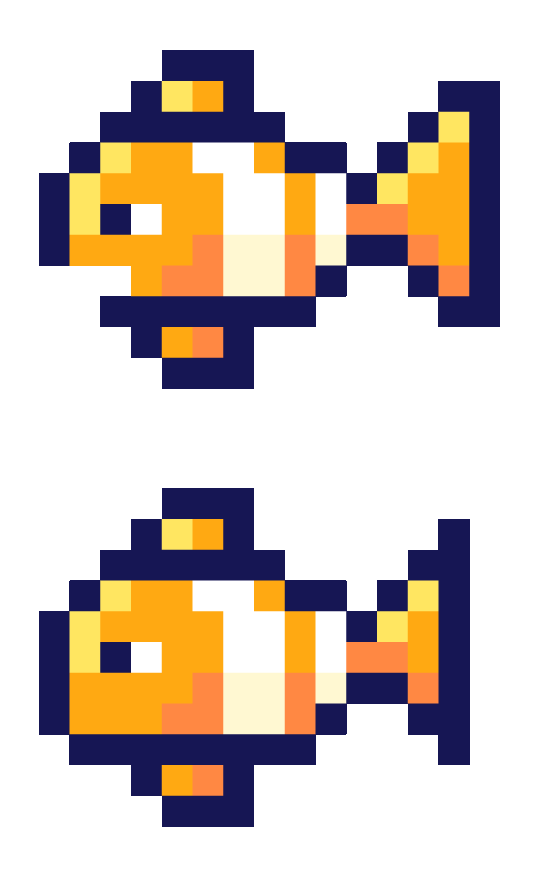
Tappy Color

A tap-to-survive iOS game built with my friend Chris Greer in the summer of 2016. Remastered in 2024 after eight years in the drawer.
The Game
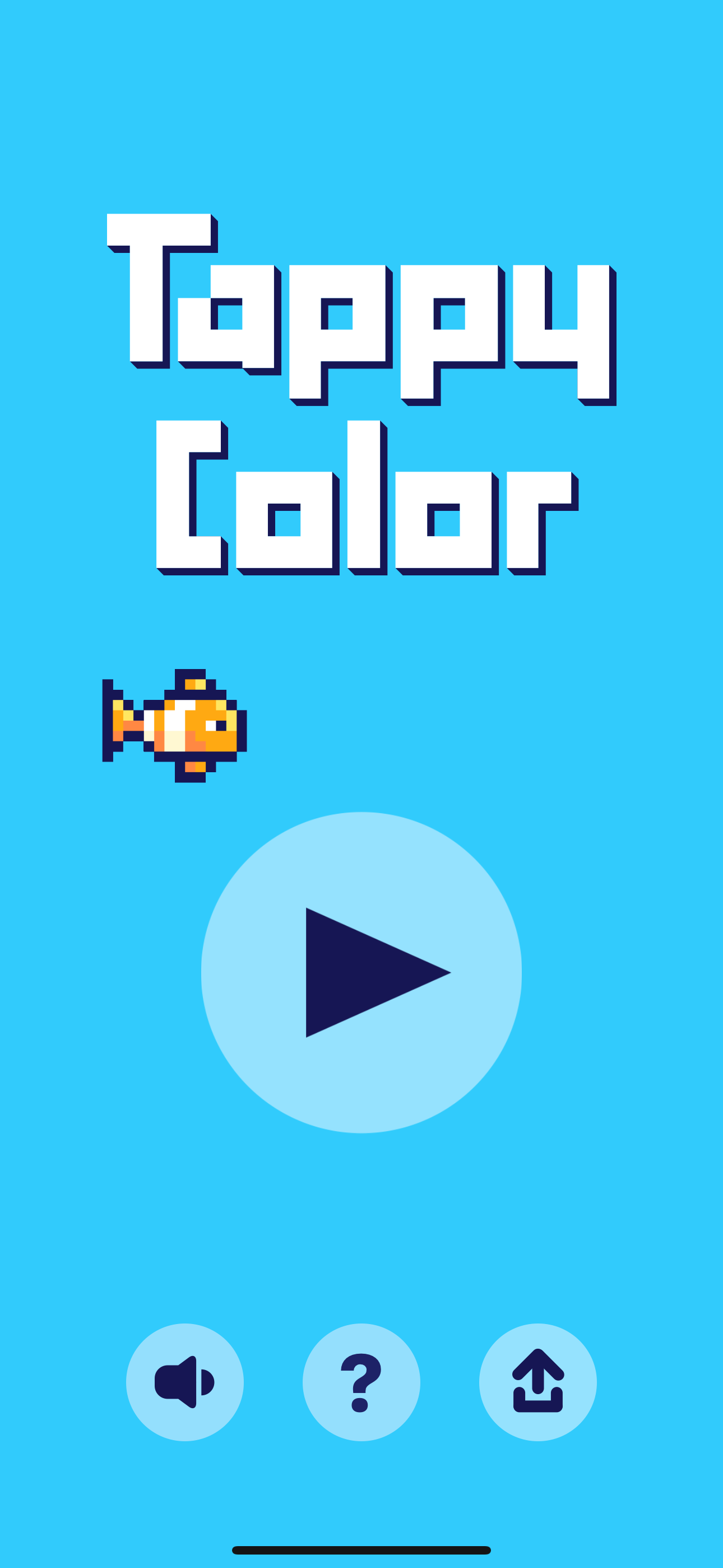
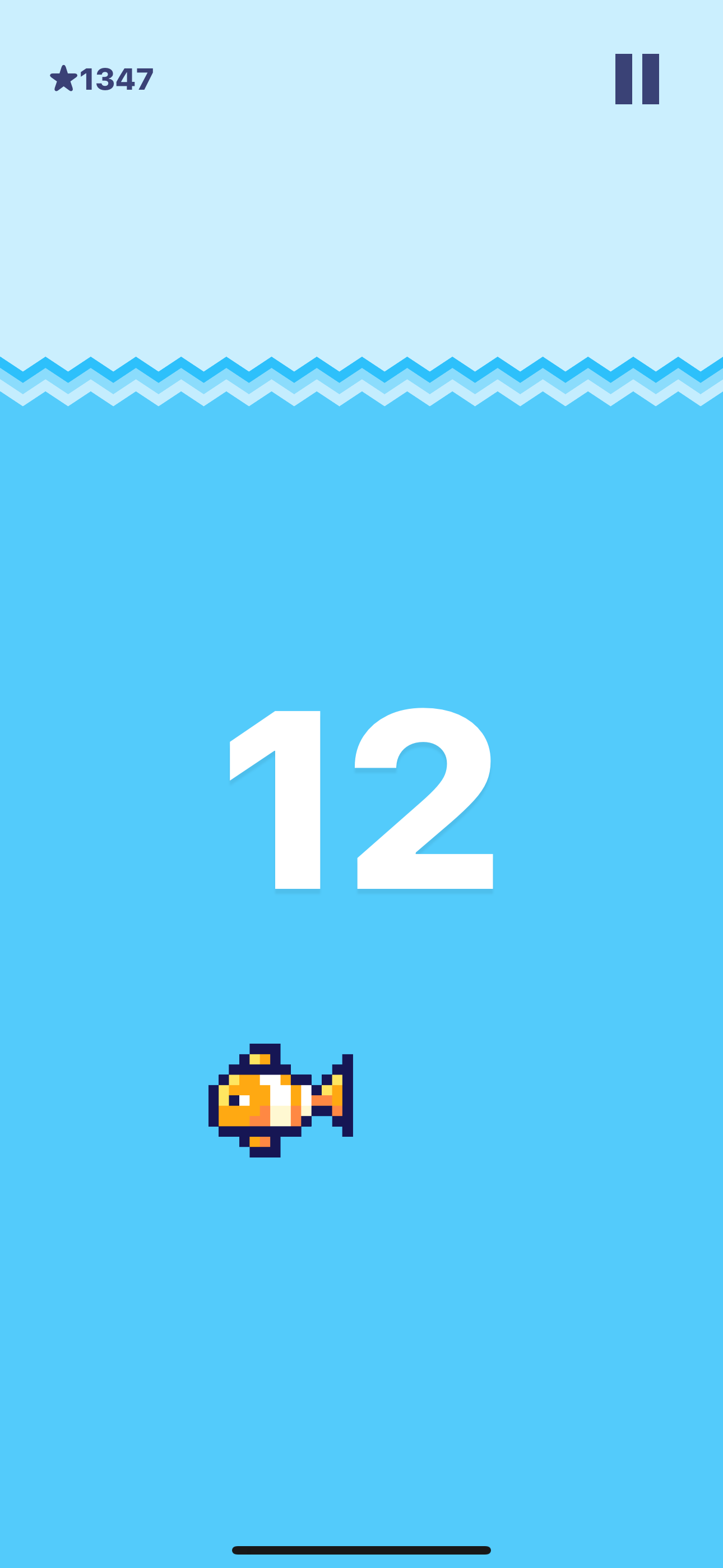
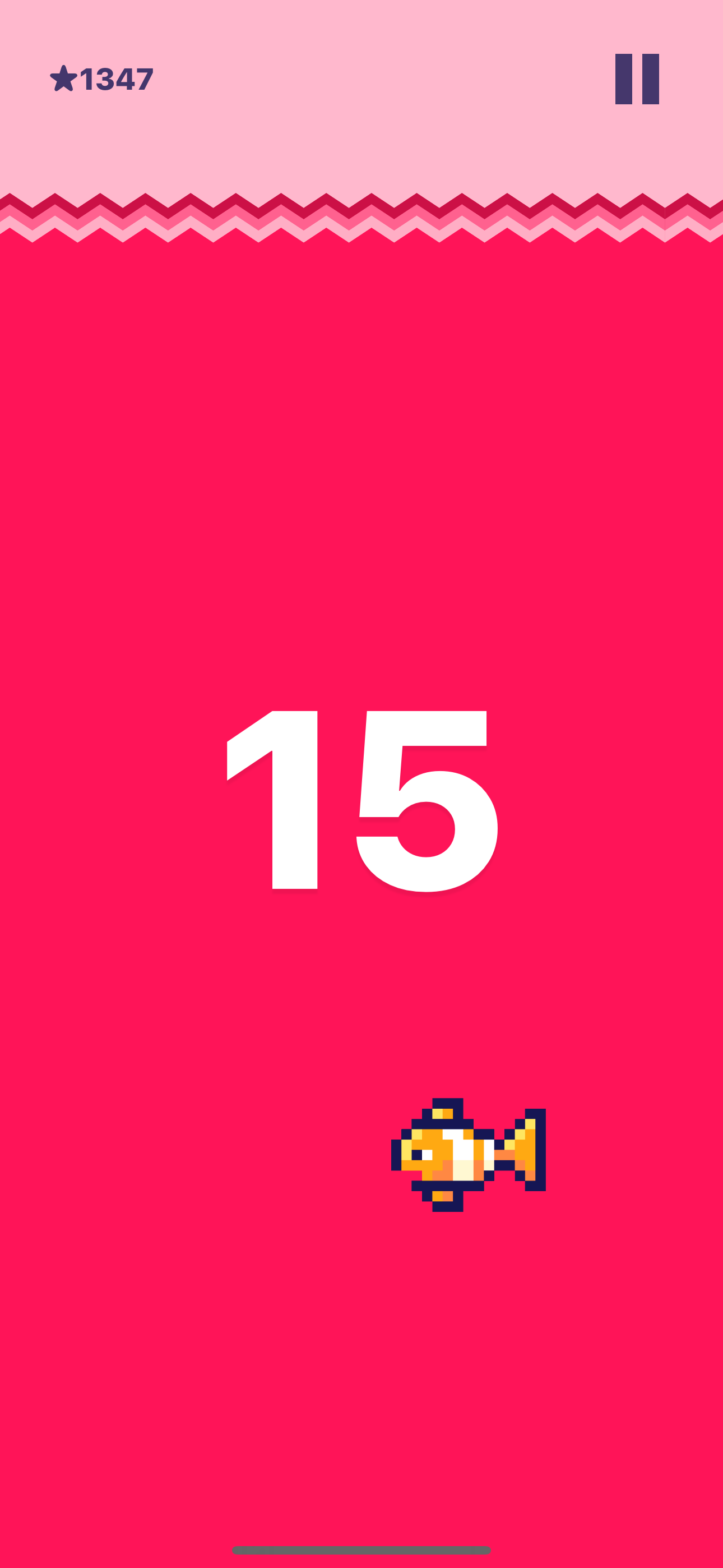
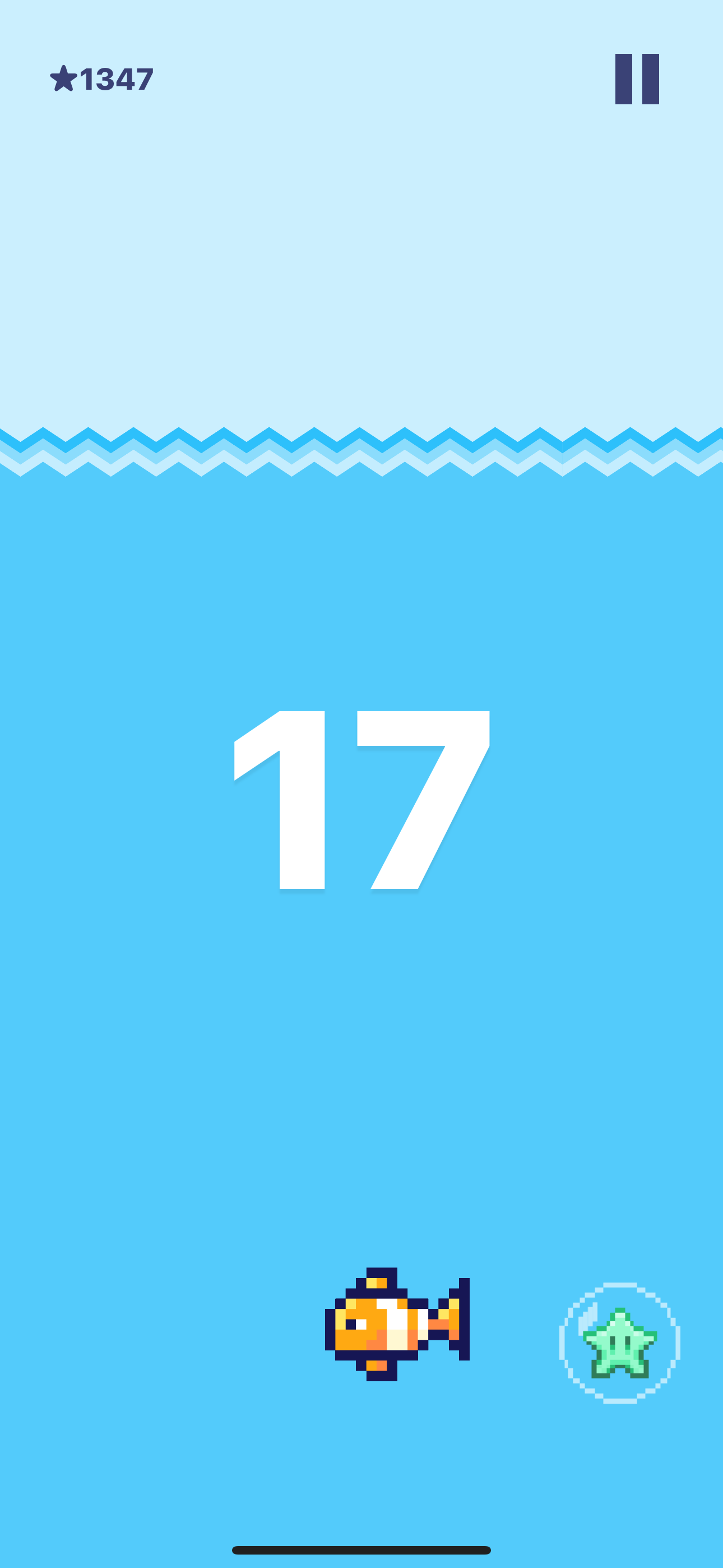
Tappy Color is a tap-to-survive game. The water level is constantly dropping, and if it falls too low, Tappy dies. Your goal is to keep him alive as long as possible.
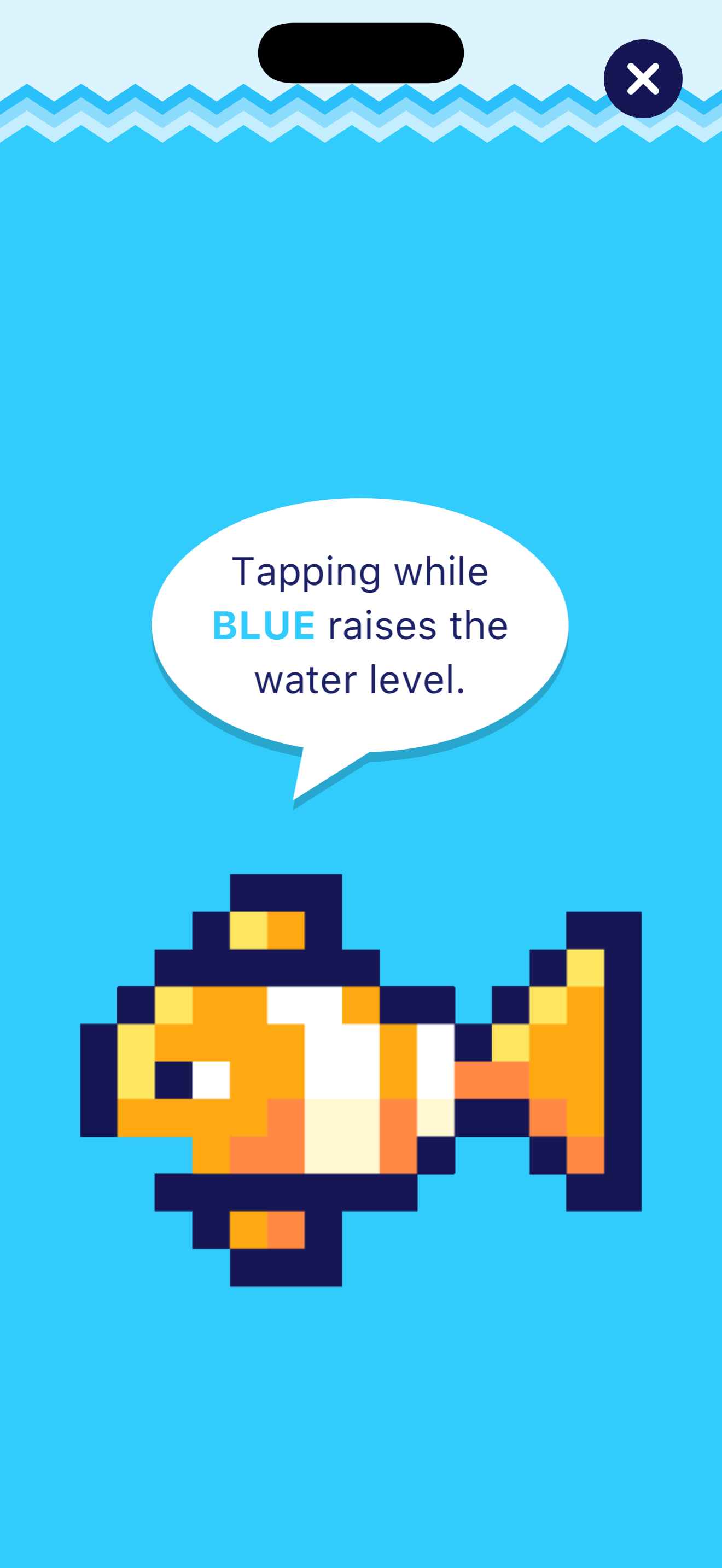
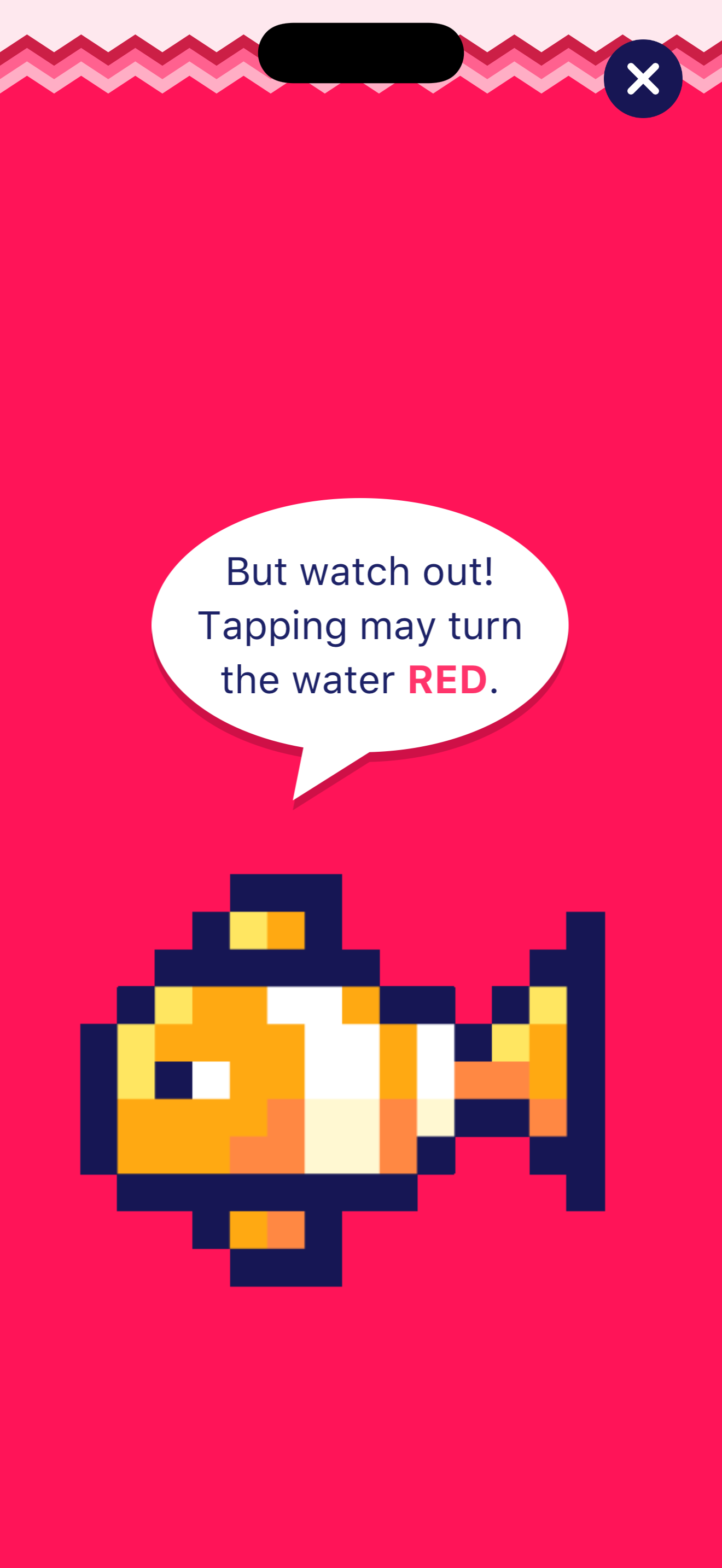
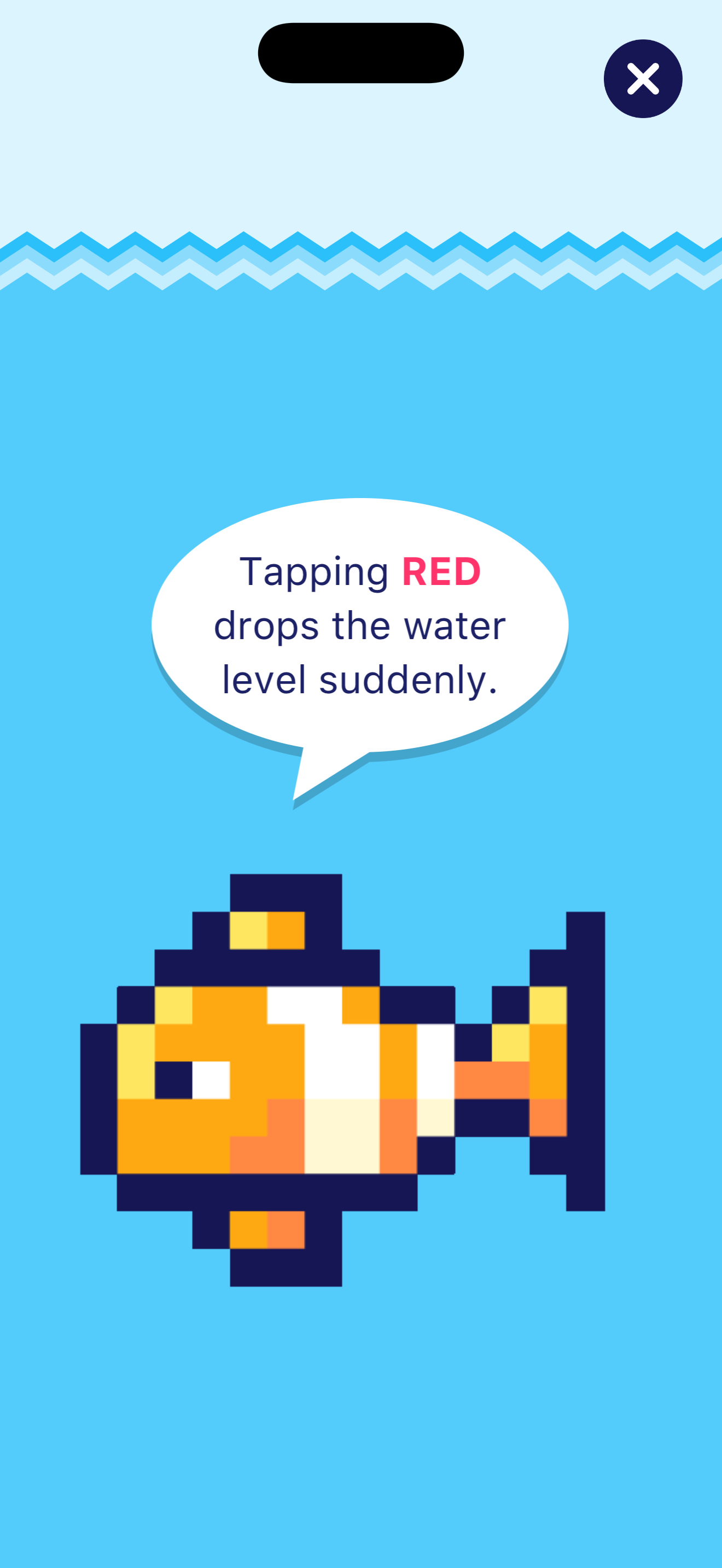
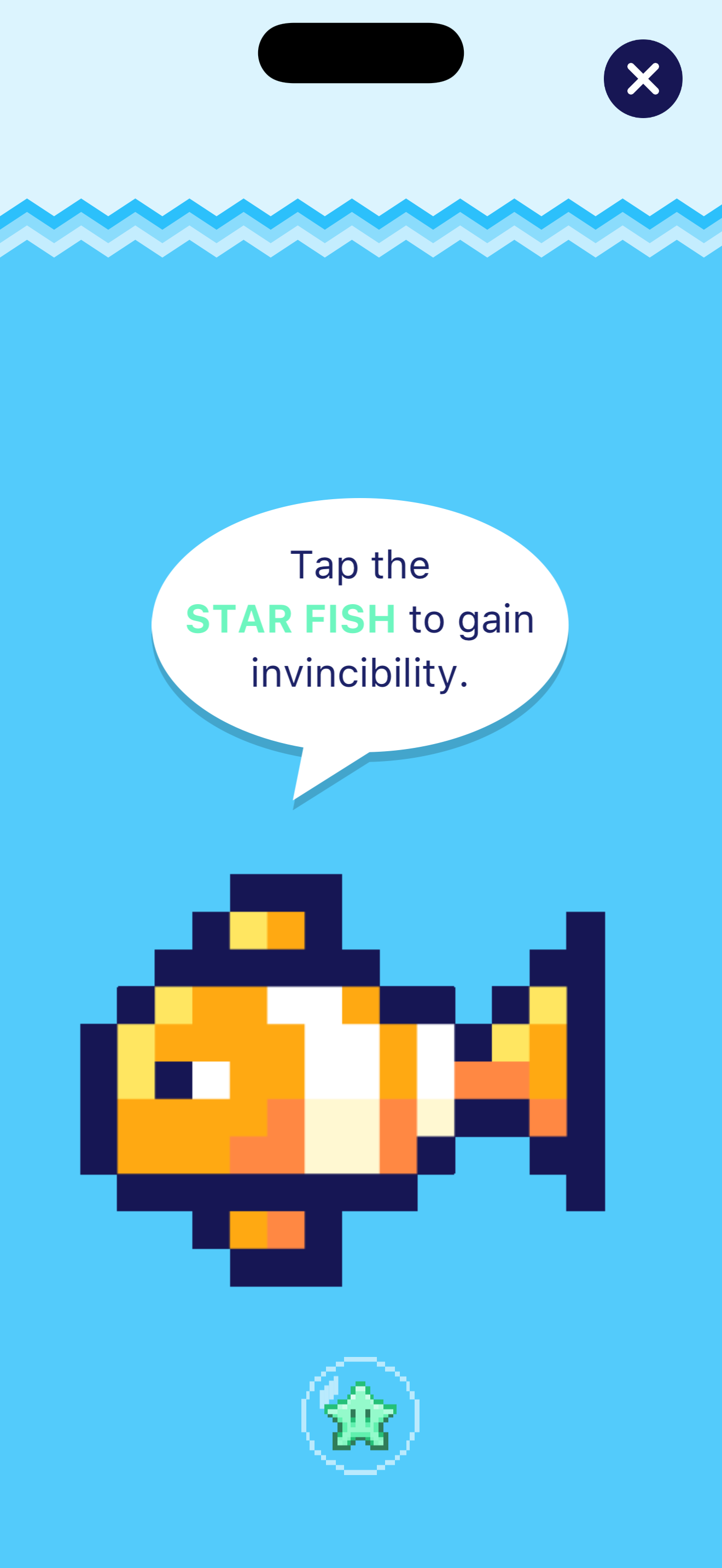
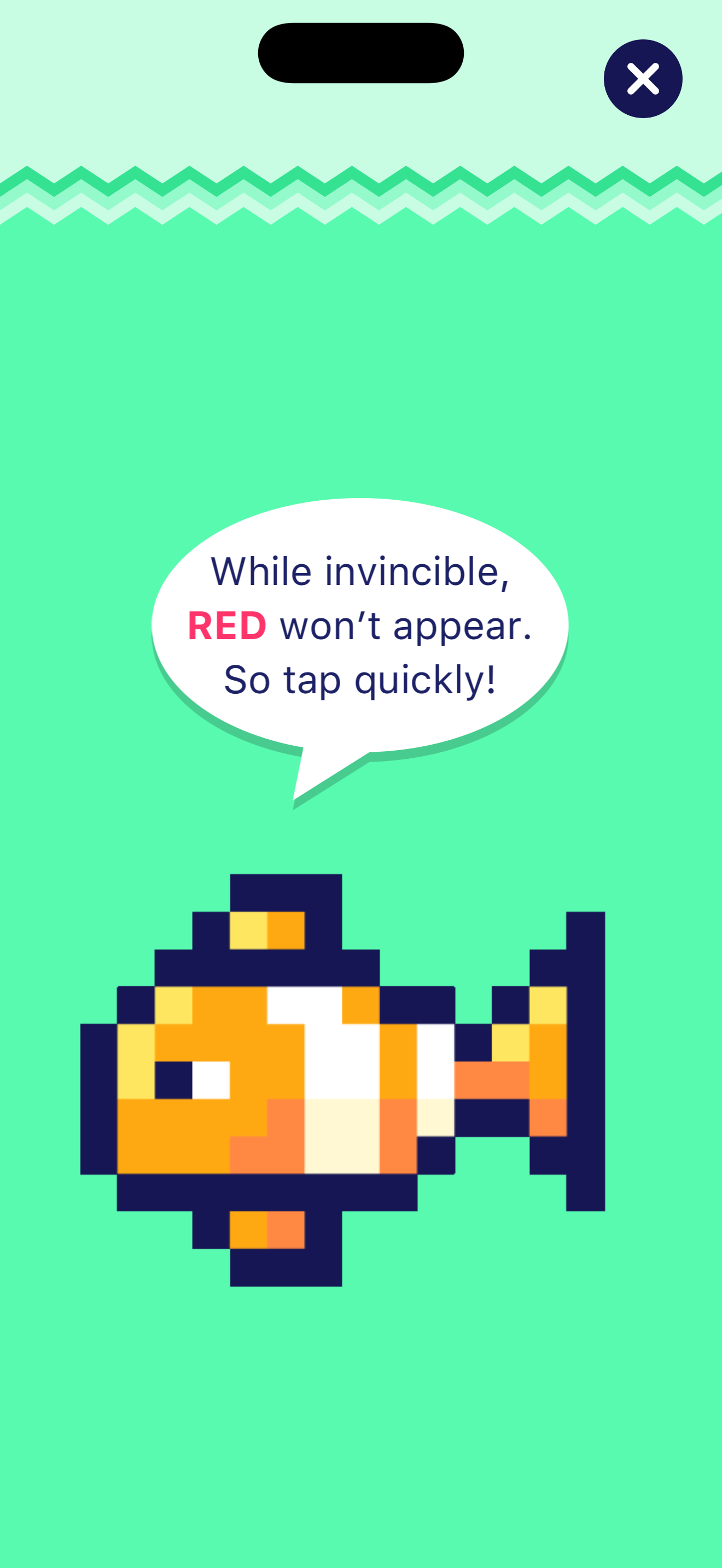
Blue screen: Tap as fast as you can. Each tap raises the water level.
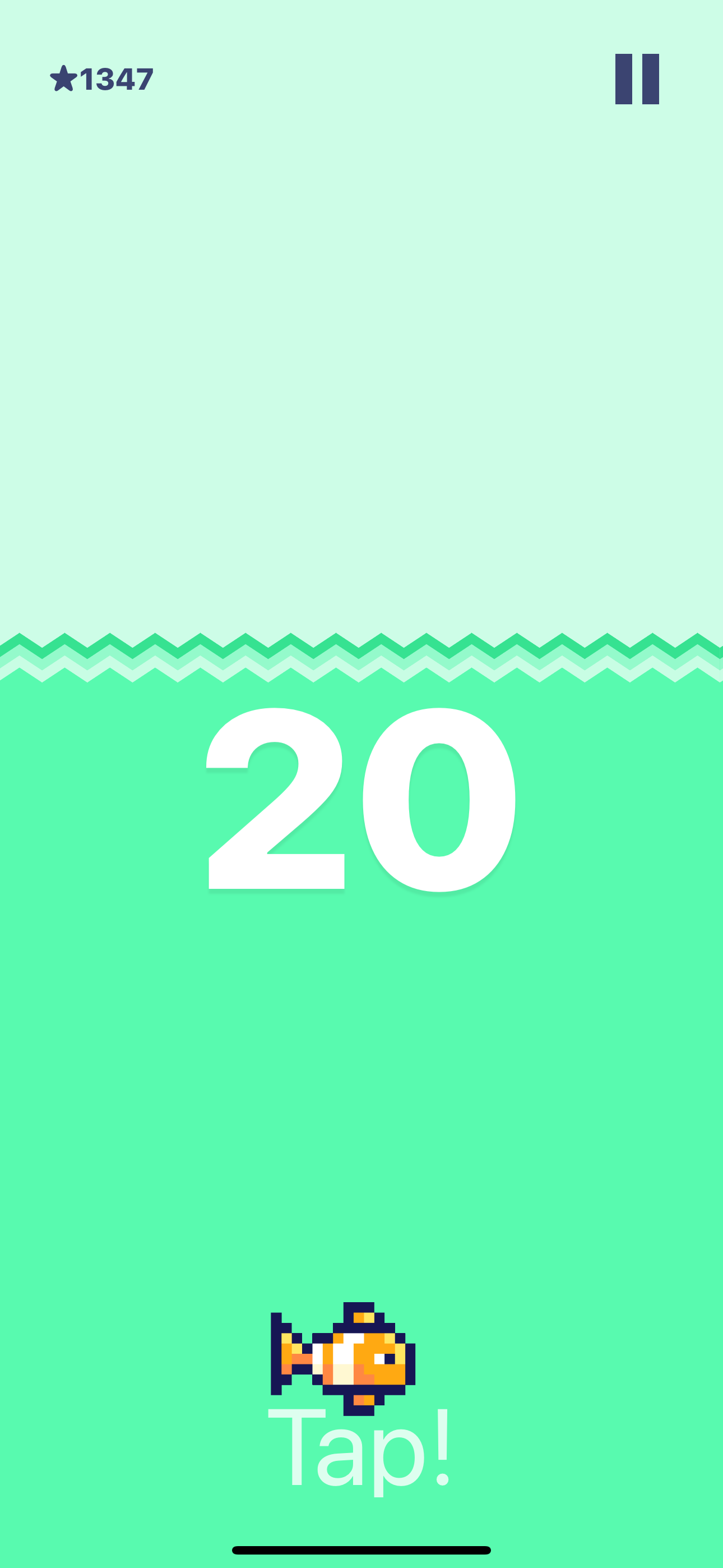
Red screen: Stop tapping! Tapping while red drops the water suddenly. This is the trap.
Starfish: Tap it for invincibility. While invincible, red won't appear - so tap freely.
The color changes get faster as your score increases. What starts as a reaction game becomes a test of impulse control.
We copyrighted it under "Bhris" - a portmanteau of our names. Chris built the game mechanics and core systems. I handled the design, sounds, and pixel art. We shipped it, got a few downloads from friends and family, and then life happened.
The project sat untouched for eight years. Then in July 2024, I decided to dust it off.
Who Built What
Tappy Color was a true collaboration. Chris and I worked side by side, pushing commits back and forth over that summer.
- Core game concept (tap-to-survive mechanic)
- Pushed for a character players would care about
- Tappy's swimming movement system
- Difficulty curve using tanh() for smooth ramping
- Game state machine and score tracking
- Color transitions and timing mechanics
- Hand-rolled GIF decoder for animations
- Tappy pixel art and animations (2016)
- Soundtrack composition (2016)
- 8-bit sound effects (2016)
- Tutorial and help screens (2016)
- Swift 2 to Swift 5 migration (2024)
- Modern AudioManager singleton (2024)
- Game Center integration (2024)
- iOS 16.4+ modernization (2024)
A quick note on "game design": in game dev, it means coming up with the core idea of what makes the game fun. "Game developer" means iterating on that seed and getting everything to work. It has nothing to do with visual design.
The first version was just a screen that turned green when you tapped and red when you failed. Chris kept pushing: "No, we need to make something people will care about, like a character. No one will care about this screen." At the time, I thought we weren't shipping fast enough.
But he was right. I poured into the pixel art, bringing Tappy to life frame by frame. I composed the music and sound effects. I designed the UX and tutorial flow. Chris built the movement system that makes Tappy swim around so naturally. Together, that's what made it fun.
Our mutual friend Dustin would play it over and over, and his kid loved it too. He wanted us to put more into it and actually complete it. Happy we finally did.
300 Compiler Errors
When I opened the project in Xcode 15, I was greeted with over 300 compiler errors. The original codebase was written in Swift 2.x - a version of Swift so old that most of its syntax no longer exists.
Every NSBundle became Bundle. Every NSURL became URL. Every CGAffineTransformMake* function was replaced with initializers. The migration wasn't just tedious - it was archaeological.
// Swift 2.x (2016) - What we wrote
let imageData = NSData(contentsOfURL: NSBundle.mainBundle()
    .URLForResource("tappy", withExtension: "gif")!)
self.transform = CGAffineTransformMakeScale(-1.0, 1.0)

// Swift 5.0 (2024) - What it needed to become
let imageData = NSData(contentsOf: Bundle.main
    .url(forResource: "tappy", withExtension: "gif")!)
self.transform = CGAffineTransform(scaleX: -1.0, y: 1.0)
Tappy's Swimming Animation
One of the things we're still proud of: Tappy actually swims around the screen. He picks a random destination, animates smoothly to that point over 3-6 seconds, then picks a new destination. He even flips horizontally when changing direction.
Chris wrote the original movement logic using Core Animation. The fish on this page uses the same approach, ported to JavaScript. Click him to visit the App Store.
func startFishMove() {
    let fromPoint = self.layer.position
    self.destination = acceptablePoint()

    let movement = CABasicAnimation(keyPath: "position")
    movement.fromValue = NSValue(cgPoint: fromPoint)
    movement.toValue = NSValue(cgPoint: self.destination)
    movement.duration = 3.0 + Double(arc4random_uniform(3))
    movement.delegate = self

    self.layer.add(movement, forKey: "fishmove")
    self.state = .ChilaxedMove
    self.layer.position = self.destination
}
Hand-Crafted GIF Decoder
In 2016, there wasn't a great Swift library for animated GIFs, so Chris wrote his own using ImageIO and Core Graphics. It parses the GIF frame-by-frame, extracts timing data from metadata, finds the greatest common divisor for optimal playback, and returns a proper UIImage animation.
It worked in Swift 2, and with minor syntax updates during the remaster, it still works today.
The 2024 Remaster
After migrating the Swift syntax, I tackled real improvements.
Modern Audio System
The original code had audio player instances scattered everywhere. I consolidated everything into a singleton AudioManager with proper AVAudioSession handling.
class AudioManager {
    static let shared = AudioManager()
    private var backgroundMusicPlayer: AVAudioPlayer?
    private var soundEffectPlayers: [AVAudioPlayer] = []

    func playSound(named filename: String) {
        guard !isMuted else { return }

        guard let url = Bundle.main.url(forResource: filename,
                                         withExtension: "wav") else { return }

        let player = try? AVAudioPlayer(contentsOf: url)
        player?.play()

        // Auto-cleanup after playback
        soundEffectPlayers.append(player!)
        DispatchQueue.main.asyncAfter(deadline: .now() + player!.duration) {
            self.cleanUpFinishedPlayers()
        }
    }
}
Game Center Integration
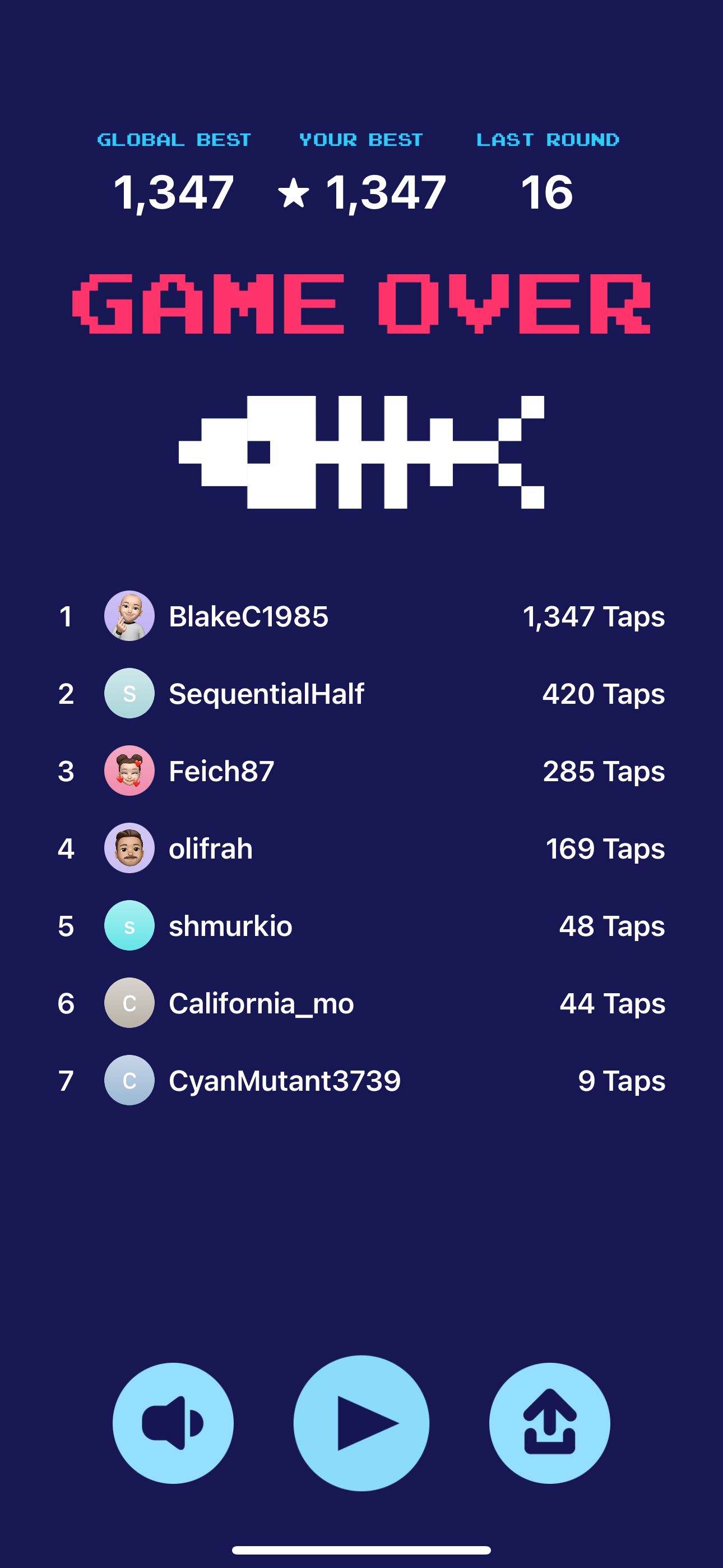
The original game had no leaderboards. The remaster has full Game Center support with global rankings.
iOS 16.4+ Target
No more supporting ancient devices. The remaster runs on modern iOS with all the latest APIs.
Under the Hood
Some code patterns that still hold up eight years later.
Smooth Difficulty Curve
The water drains faster as your score increases, but the difficulty doesn't just ramp linearly - that would feel punishing. Instead, Chris used a hyperbolic tangent function to create a smooth S-curve: gentle at first, steep in the middle, then plateaus at a ceiling. It feels fair even when it's hard.
// Difficulty ramps using tanh() for a smooth S-curve
// Starts gentle, gets steep, then plateaus at ceiling
if counter <= 140 {
    // Early game: 150 → 370 drain rate
    self.currentRate = Int(150.0 + (220.0 * tanh(0.03 * (Float(counter) / 20.0))))
} else {
    // Late game: approaches ceiling asymptotically
    self.currentRate = Int(195.0 + (ceilingRate * tanh(rateAttack * (Double(counter - 140) / 20.0))))
}
Thread-Safe Sound Effects
When you're tapping furiously, dozens of sound effects can trigger per second. The remastered AudioManager keeps a pool of players and protects concurrent access with a lock - no audio glitches, no crashes.
private let soundEffectPlayersLock = NSLock()
private var soundEffectPlayers: [AVAudioPlayer] = []

func playSound(named filename: String) {
    guard !isMuted, let url = Bundle.main.url(forResource: filename,
                                                  withExtension: "wav"),
          let player = try? AVAudioPlayer(contentsOf: url) else { return }

    // Thread-safe: lock before modifying shared array
    soundEffectPlayersLock.lock()
    soundEffectPlayers.append(player)
    soundEffectPlayersLock.unlock()

    player.play()
}

private func cleanUpFinishedPlayers() {
    soundEffectPlayersLock.lock()
    soundEffectPlayers.removeAll { !$0.isPlaying }
    soundEffectPlayersLock.unlock()
}
Presentation Layer Animation
Core Animation is tricky: when you animate a layer's position, the position property jumps to the final value immediately - only the visual representation animates. Chris solved this by reading from the presentation layer to get Tappy's true on-screen position during animations.
func getActualPosition() -> CGPoint {
    // During animation, layer.position is already the END value
    // The presentation layer gives us where it ACTUALLY is on screen
    if self.layer.animation(forKey: "fishmove") != nil {
        if let presentationLayer = self.layer.presentation() {
            return presentationLayer.position
        }
    }
    return self.layer.position
}
Game Center with Retry Logic
Network requests fail. The remastered Game Center integration uses exponential backoff with a maximum retry count - scores eventually sync even on flaky connections.
enum GameCenterError: Error {
    case notAuthenticated, leaderboardNotFound
    case networkError, retryLimitExceeded
}

private func loadLeaderboardWithRetry(
    retryCount: Int = 0,
    completion: @escaping (Result<GKLeaderboard, GameCenterError>) -> Void
) {
    GKLeaderboard.loadLeaderboards { leaderboards, error in
        if let leaderboard = leaderboards?.first {
            completion(.success(leaderboard))
        } else if error != nil, retryCount < self.maxRetries {
            // Exponential backoff: wait longer each retry
            DispatchQueue.main.asyncAfter(deadline: .now() + self.retryDelay) {
                self.loadLeaderboardWithRetry(
                    retryCount: retryCount + 1,
                    completion: completion
                )
            }
        } else {
            completion(.failure(.retryLimitExceeded))
        }
    }
}
I Opened It Again
January 2026. I dusted it off and fixed everything.
Single Game Loop
Four independent timers became one. Inspired by John Carmack's game engine philosophy - one master loop dispatches to all subsystems:
@objc func timerAction() {
    game.tickCounter += 1

    // Difficulty from pre-computed lookup table
    game.currentRate = difficultyLUT[min(game.tickCounter, 1199)]

    // Flag-driven subsystems
    if isInvincibleBlinkActive { updateInvincibleBlink() }
    if isStarMovementActive { updateStarMovement() }

    // Dirty-flag updates
    updateLabels()
    fishView.update()
}
Pre-Computed Difficulty Curve
The difficulty curve used tanh() every tick - expensive floating-point math 20 times per second. Now it's a single array lookup:
// Setup: compute once at game start
private var difficultyLUT: [Int] = []

func precomputeDifficultyTable() {
    difficultyLUT.reserveCapacity(1200)
    for tick in 0..<1200 {
        let normalized = tanh(Double(tick) / 1000.0)
        difficultyLUT.append(Int(normalized * 20) + baseRate)
    }
}

// Game loop: O(1) lookup instead of tanh()
game.currentRate = difficultyLUT[game.tickCounter]
CGRect Allocation Avoidance
The star movement was creating a new CGRect every frame. Now it modifies the existing frame in place:
// Before: new CGRect every tick
starButton.frame = CGRect(x: newX, y: newY, width: w, height: h)

// After: modify origin directly
var starFrame = starButton.frame
starFrame.origin.y -= cachedStarMoveAmount
starFrame.origin.x = CGFloat(game.starActiveX) + xphase
starButton.frame = starFrame
Dirty-Flag Label Updates
Labels were updating every tick even when values hadn't changed - 40 string allocations per second for nothing:
private var lastDisplayedScore: Int = -1

func updateLabels() {
    if game.score != lastDisplayedScore {
        scoreLabel.text = "\(game.score)"
        lastDisplayedScore = game.score
    }
}
GameModel Extraction
All mutable game state now lives in a dedicated GameModel class. The ViewController handles UI; the model handles logic. Score, round life, card state, invincibility counters - all extracted and testable. Magic numbers documented in GameConstants.swift. Force unwraps replaced with safe unwrapping. Dead code removed.
New version hitting the App Store soon.
The Timeline
August 2016 - Chris and I build Tappy Color in Swift 2. Two college kids, one pixelated clownfish, shipped to the App Store.
2017-2023 - The app sits untouched. Swift evolves. The codebase becomes archaeological.
August 2024 - I open Xcode 15 to 300+ compiler errors. Migrate everything to Swift 5. Remaster the UI. Ship Tappy Color Remastered to the App Store.
January 2026 - I open it again. Extract GameModel. Consolidate four timers into one Carmack-style game loop. Pre-compute the difficulty curve. Add dirty flags. Remove dead code. Fix every issue I said I would.
Ten years, three versions, same fish.











