Five Apple Platforms, Three Shared Files: How Return Actually Ships Cross-Platform SwiftUI

Return, my meditation timer, runs on five Apple platforms: iPhone, iPad, Mac, Apple Watch, and Apple TV.1 The codebase has 40 Swift files (excluding tests). Three of them are shared across all five platforms. The rest is split into separate Xcode targets that duplicate concepts like TimerManager, AudioManager, and ContentView rather than share them through #if os(...) conditional compilation.
The shared rate is about 7.5%, and it is intentional.
This essay is about what shipping a cross-platform SwiftUI app actually looks like in 2026, why aggressive code sharing is overrated, and what the three files that did share have in common.
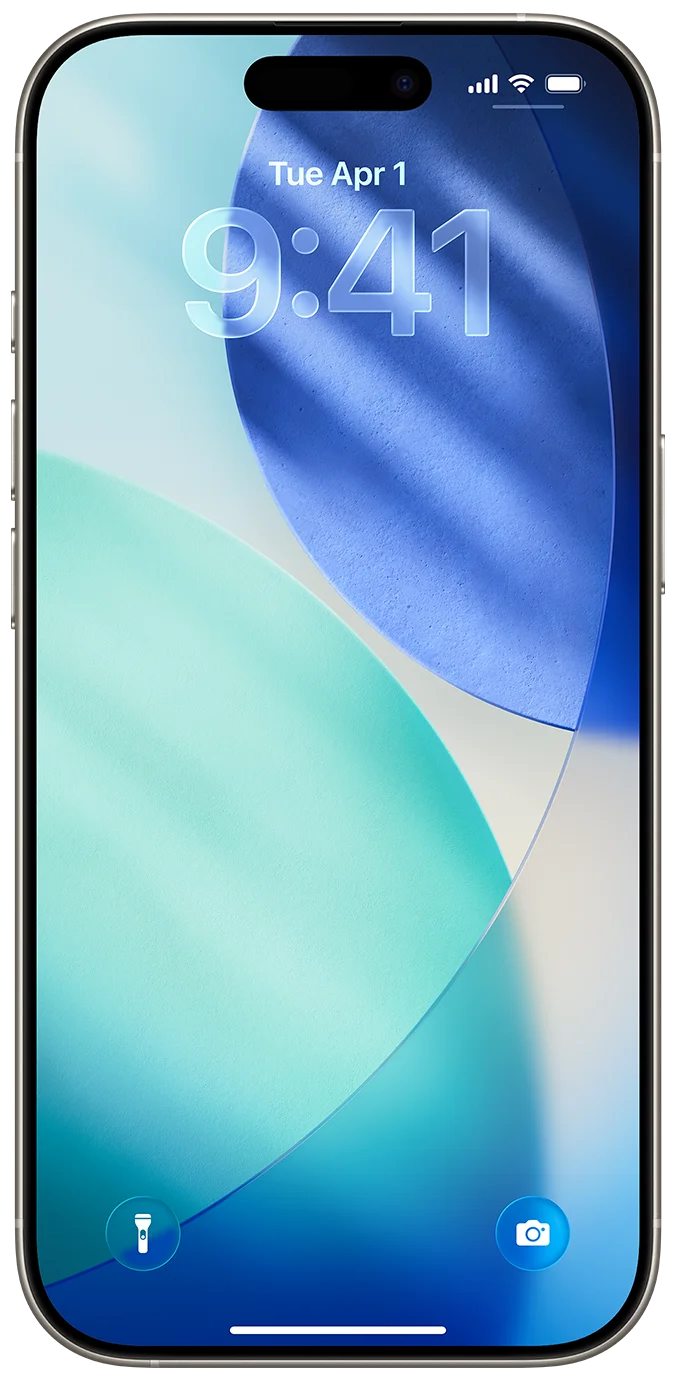
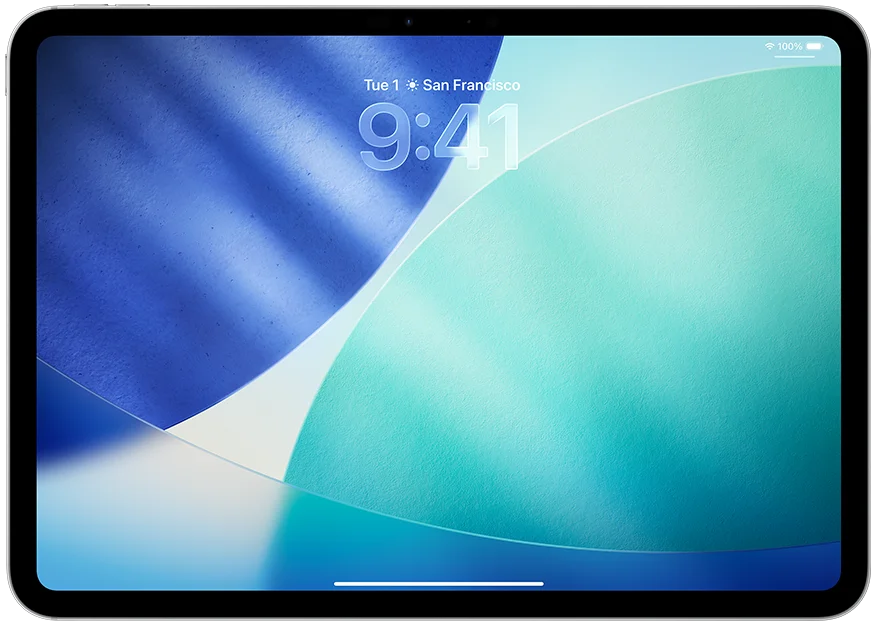
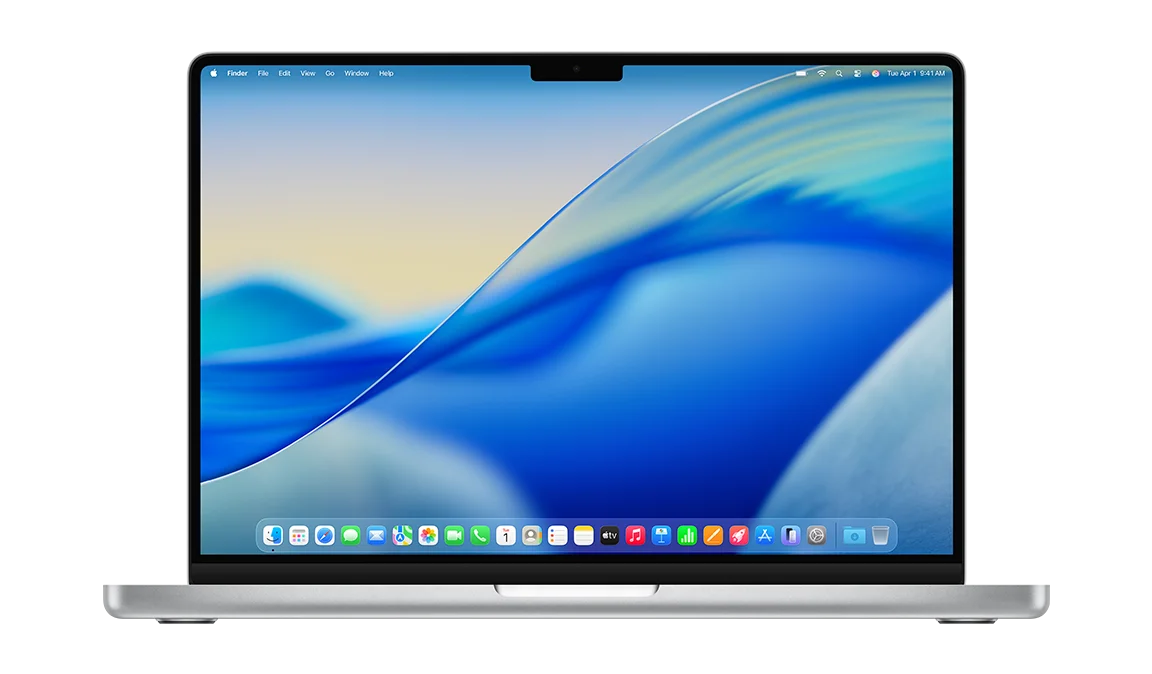
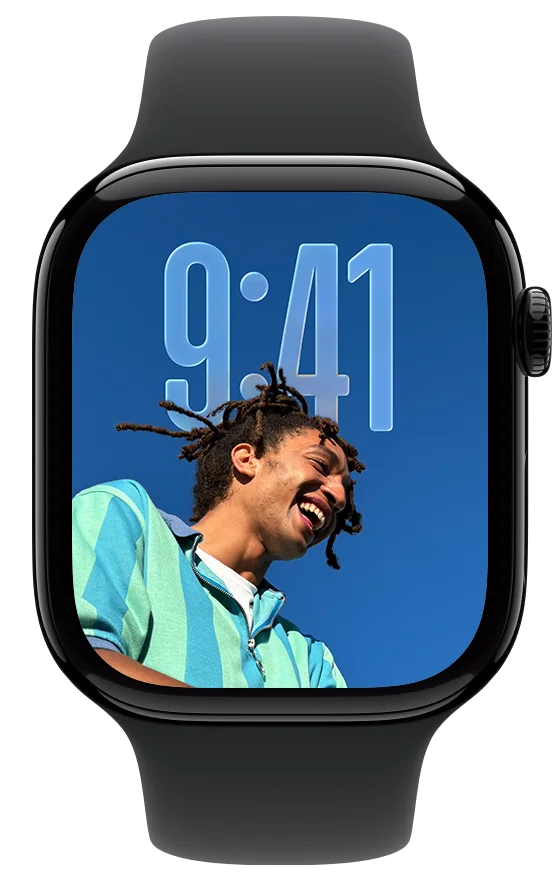
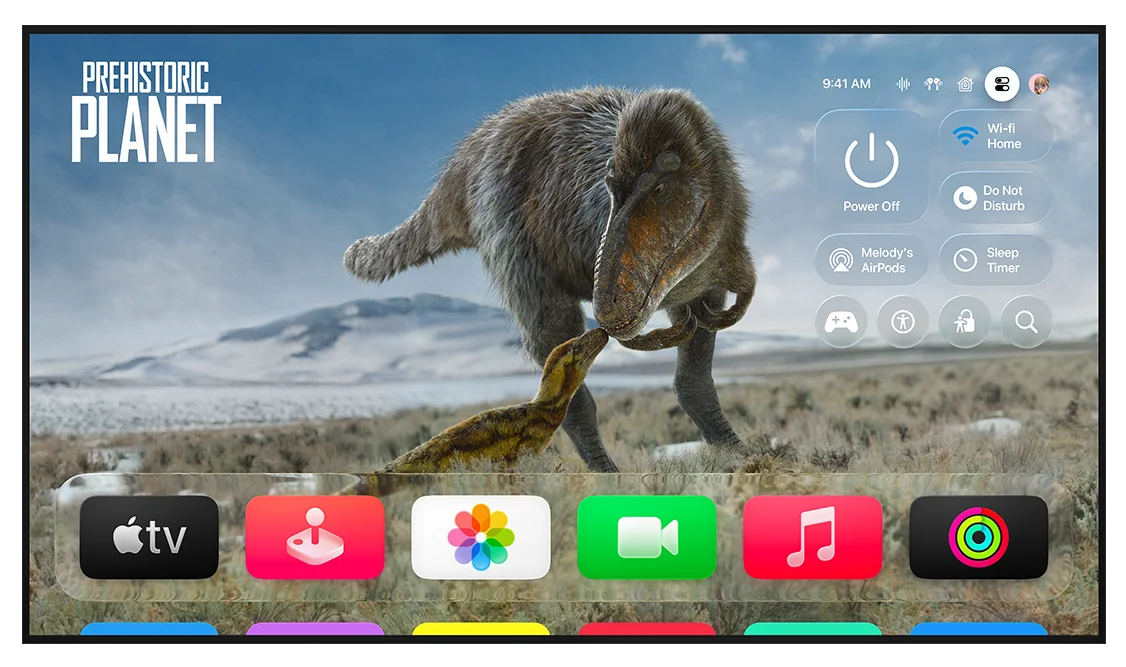
The five platforms Return targets, as Apple presents them in developer.apple.com. Each is a distinct platform target in Xcode, not a runtime branch.
TL;DR
- Return: 18 main-target Swift files (iOS + iPadOS + macOS), 10 tvOS-target files, 7 watchOS-target files, 2 widget files (Live Activities), and 3 truly cross-platform files in
Return/Shared/. Total 40. - The three shared files are the persistence-adjacent ones:
MeditationSession,SessionStore,SessionHistoryView. State that travels via iCloud, not UI that adapts to the platform. - tvOS and watchOS are separate Xcode targets, not
#if os(tvOS)branches in the main target. The control models are too different to fit one ContentView. - Even within the main iOS/iPadOS/macOS target,
#if osblocks proliferate: 10 inContentView.swift, 8 inLiveActivityManager.swift, 8 inVideoBackgroundView.swift, 6 inAudioManager.swift. - The honest take: aggressive sharing across five Apple platforms is a maintenance liability. A small shared core (the persistence layer) plus separate platform-specific UIs ships faster and breaks less than one giant
#if-laden file.
For the platform-specific companions, read the Apple platform matrix, watchOS runtime contract, and Liquid Glass SwiftUI patterns.
The Numbers
The shape of the codebase, by Swift file count, after pruning tests and UI tests:
Return/                            18 files   (iPhone + iPad + Mac, single target)
├── Shared/                         3 files    ← cross-platform truth
│   ├── MeditationSession.swift
│   ├── SessionStore.swift
│   └── SessionHistoryView.swift
├── ContentView.swift              (10 #if os branches)
├── TimerManager.swift             (2 #if os branches)
├── AudioManager.swift             (6 #if os branches)
├── HealthKitManager.swift
├── LiveActivityManager.swift      (8 #if os branches, iOS-only)
├── ThemeManager.swift
├── VideoBackgroundView.swift      (8 #if os branches)
├── GlassTextShape.swift           (Liquid Glass, see prior post)
├── GlassTimerText.swift
└── … (settings, theme, audio assets, etc.)

ReturnTV/                          10 files   (tvOS, separate target)
├── TVContentView.swift
├── TVTimerManager.swift           ← duplicates main TimerManager
├── TVAudioManager.swift           ← duplicates main AudioManager
├── TVDurationPicker.swift
├── TVFocusModifier.swift          ← tvOS button styles for focus
├── TVSettingsView.swift
└── …

ReturnWatch Watch App/              7 files   (watchOS, separate target)
├── WatchContentView.swift
├── WatchTimerManager.swift        ← duplicates main TimerManager
├── WatchAudioManager.swift        ← duplicates main AudioManager
├── WatchHealthKitManager.swift    ← duplicates main HealthKitManager (mostly)
├── WatchSettingsView.swift
└── …

ReturnWidgets/                      2 files   (Live Activity + bundle)
├── ReturnLiveActivity.swift
└── ReturnWidgetsBundle.swift
Five platforms, three shared files, two separate per-platform targets plus a widget target, plus heavy conditional compilation inside the main target. The sharing ratio is about 7.5%. Most “multi-platform SwiftUI” tutorials suggest the opposite: write one ContentView that adapts to every platform via @Environment(\.horizontalSizeClass) and #if os(...).2 That works for two platforms (iPhone + iPad). It breaks at five.
What The Three Shared Files Have In Common
Return/Shared/MeditationSession.swift defines the SwiftData-adjacent value type:3
struct MeditationSession: Codable, Identifiable, Equatable {
    let id: UUID
    let startDate: Date
    let endDate: Date
    let durationSeconds: Int
    let sourceDevice: DeviceType
    var syncedToHealthKit: Bool

    enum DeviceType: String, Codable, CaseIterable {
        case iPhone, iPad, mac, appleTV, appleWatch
    }
}
The file’s header comment is load-bearing: // Add this file to: Return, ReturnTV, ReturnWatch Watch App targets. The same source file is referenced by all three Xcode targets, not symlinked, not embedded in a Swift package. Apple’s build system happily compiles one file into three binaries.
SessionStore.swift is the persistence layer: a thin wrapper around NSUbiquitousKeyValueStore (Apple’s iCloud Key-Value Store) that reads and writes MeditationSession arrays. The choice matters: KV-store sync gives Return cross-device session history without provisioning a CloudKit container, with the trade-off that the entire store is capped at 1 MB total.12 For a list of meditation sessions averaging a few hundred bytes each, the cap is plenty. SessionHistoryView.swift is a SwiftUI list that renders the sessions. Both are used identically by the iPhone, iPad, Mac, Watch, and TV targets.
What these three files have in common: they describe state, not interaction. A MeditationSession is the same concept on every device. The list of past sessions reads the same way on every device. Neither involves a control surface, a window manager, an audio routing decision, a focus engine, or a digital crown. The moment a file needs to know what platform it is running on, it stops being shareable.
Why The Rest Did Not Share
Take TimerManager. The iOS/iPadOS/macOS version uses Timer.publish(every: 1, ...) and routes notifications through UserNotifications. The tvOS version (TVTimerManager) handles the case where the user paused via the Siri Remote and the screensaver kicks in. The watchOS version (WatchTimerManager) delegates to a WKExtendedRuntimeSession (via WatchSessionManager) so the OS keeps the app responsive while the screen dims, and routes input through the digital crown rather than touch. Three platforms, three deeply-different timer behaviors.
You could unify them as class TimerManager { #if os(watchOS) ... #elif os(tvOS) ... }. The result would be a class with three modes, each forty lines of #if-gated code, where touching the iOS path risks breaking the watchOS path. That is a maintenance horror.
Three separate classes with three filenames is more code on disk and less code in your head. Duplication you can read beats abstraction you cannot.
The same logic applies to:
ContentViewvsTVContentViewvsWatchContentView: the navigation models are different (push-based on iPhone, focus-based on TV, list-based on Watch).AudioManagervsTVAudioManagervsWatchAudioManager: audio session categories differ, watchOS has stricter background audio rules, tvOS routes differently to AirPlay.VideoBackgroundViewhas 8#if os(iOS)branches in the main target (with one#elseif os(macOS)companion), covering different video assets (fire_phone.mp4vsfire_mac.mp4), different layer types, and different aspect ratios.4
I will note: the main Return/ target does lump iOS, iPadOS, and macOS together. Those three platforms share more code than they don’t. SwiftUI’s NavigationStack works on all three. .glassEffect() works on all three. The window-management differences are real but tractable inside one target. tvOS and watchOS were where I drew the separate-target line.
The tvOS Case: Why The Focus Engine Forced A Separate Target
Apple TV navigation is built around the focus engine.5 Every UI element that the user can interact with declares itself focusable; the system arrows on the Siri Remote move focus between elements; pressing select activates the focused element. SwiftUI on tvOS exposes this through .focusable(), .focusEffect, and custom ButtonStyle types that respond to @Environment(\.isFocused) for the parallax-tilt effect Apple’s first-party apps use. Real production code in TVFocusModifier.swift:6
struct TVCapsuleButtonStyle: ButtonStyle {
    var accentColor: Color = .white
    @Environment(\.isFocused) private var isFocused

    func makeBody(configuration: Configuration) -> some View {
        configuration.label
            .colorMultiply(isFocused ? focusedTextColor : accentColor)
            .background(
                Capsule().fill(isFocused
                    ? AnyShapeStyle(accentColor)
                    : AnyShapeStyle(.ultraThinMaterial))
            )
            .clipShape(Capsule())
            .scaleEffect(isFocused ? 1.1 : 1.0)
            .scaleEffect(configuration.isPressed ? 0.95 : 1.0)
            .shadow(color: .black.opacity(isFocused ? 0.3 : 0.1),
                    radius: isFocused ? 20 : 5, y: isFocused ? 10 : 2)
            .animation(.easeInOut(duration: 0.2), value: isFocused)
    }
}
The same file also defines TVCircleButtonStyle for square/circle controls. Both styles invert color and translucency on focus: unfocused buttons sit on .ultraThinMaterial, focused buttons fill with the accent color and bump scale + shadow. The pattern is structurally tvOS-specific for this app. @Environment(\.isFocused) is available across iOS, iPadOS, macOS, watchOS, and tvOS,13 but focus-driven navigation is the primary interaction model only on tvOS, where the Siri Remote produces no pointer or touch event. On iPhone or iPad, the equivalent control is hit-tested by tap; on Mac it is hovered or clicked. The button styles in TVFocusModifier.swift assume focus is the user’s main affordance and design the entire visual response around it. There is no good way to write a ContentView that handles touch on iOS, hover on Mac, and focus-driven navigation on tvOS in one place. The view structure is genuinely different: a tvOS ContentView is a graph of focusable rows, an iOS ContentView is a tap-to-act stack.
The same is true of the duration picker. On iPhone, it slides up from the bottom and accepts taps. On Apple TV, it is a horizontal row of focusable cells the user navigates with the remote. TVDurationPicker.swift is its own file because the cell-based focus design has no analogue on the iPhone. Forcing them into one file would mean two unrelated UIs glued together by #if os(tvOS).
The watchOS Case: Extended Runtime Sessions, HealthKit, And A Smaller Surface
watchOS adds two structural constraints the other platforms do not have:
WKExtendedRuntimeSessionto keep the app responsive while the watch screen is dimmed.8 Without it, watchOS aggressively suspends the app between each second tick and the timer drifts. Return declaresWKBackgroundModes: mindfulnessin the watchOS target’sInfo.plistso the OS recognizes the use case and grants the runtime budget; the runtime session itself is created with the defaultWKExtendedRuntimeSession()initializer.- iCloud sync via
NSUbiquitousKeyValueStore, not WatchConnectivity.7 Return’s session-history sync rides on the same key-value store the iPhone, iPad, and Mac targets use, so a meditation logged on the watch surfaces in the iPhone’s history view without any direct watch-to-phone messaging. WatchConnectivity could be a future option for live state sync, but Return chose the simpler model: each device writes to the same iCloud KV-store, the next read on any device sees the union.
WatchTimerManager.swift is the watch-side timer; it delegates extended-runtime work to WatchSessionManager, defined in ReturnWatchApp.swift as final class WatchSessionManager: NSObject, WKExtendedRuntimeSessionDelegate. The iOS TimerManager has no analog because iOS apps stay responsive in the foreground without an explicit runtime session. Putting the watch logic into the iOS TimerManager via #if os(watchOS) would mean the iOS code path imports WatchKit symbols it never uses, plus the watchOS code path needs initialization paths the iOS path does not.
WatchHealthKitManager.swift is a smaller variant of the main HealthKitManager. It logs mindful minutes the same way, but the authorization prompt UX is different (the watch cannot show a HealthKitPermissionSheet). The Watch class is roughly half the size of the main one.
What Happens Inside The Main iOS/iPadOS/macOS Target
Even within the main target, sharing is not automatic. ContentView.swift has ten #if os(macOS) or #if !os(macOS) blocks; LiveActivityManager.swift has eight; VideoBackgroundView.swift has eight; AudioManager.swift has six. Live Activities are an iPhone-only feature, so the entire LiveActivityManager is wrapped in #if os(iOS). The duration picker on iPhone uses a different layout from the duration picker on iPad and Mac, so ContentView has parallel layout branches.
The pattern that has worked: #if os(...) for small platform deltas (different keyboard behavior, different padding, missing API), separate target for large structural deltas (focus vs. touch, workout-session vs. timer). The threshold I have ended up using is “more than ~10 lines of branching.” Below that, conditional compilation is fine. Above that, the file is doing two jobs at once and the second job belongs in another target.
When Not To Ship On All Five Platforms
The honest assessment.
Skip Apple Watch if your app is information-dense. The 46mm screen does not have room for a 30-item list, a duration picker, and a settings page. Return survives on watchOS because the core interaction is one button (start/stop a timer). A productivity app, a finance app, or a media-rich app will not.
Skip Apple TV if your app is interactive. The TV is for ambient experiences (timer running on a screen across the room, music playback). Anything that needs frequent input from the user is fighting the platform. Return is on tvOS because “set a 20-minute timer and look at fire on the screen” is exactly the right ambient case. A note-taking app would be miserable.
Skip Mac if your app is a phone-first interface. SwiftUI on Mac works, but the NavigationStack push model reads as toy compared to a real Mac sidebar. If the app would feel underbuilt on Mac, ship Catalyst (which converts the iPad app) or skip Mac entirely until you can build a Mac-native UI.
Skip iPad if you have not done size-class adaptation. An iPhone app stretched to fill an iPad reads as cheap. iPad needs at minimum a NavigationSplitView with a sidebar; ideally a real two-pane layout. Return uses split views on iPad and stacks on iPhone. The code is in the same target but the UI is genuinely different.
The rule I drew: ship on a platform when the app’s core interaction maps to that platform’s input model. Ship a meditation timer on Apple Watch (one tap to start). Ship a meditation timer on Apple TV (set and forget). Don’t ship a kanban board on either.
What Travels Without Effort
The three things that did share across all five platforms in Return:
- The data model (
MeditationSession). The struct is identical on every platform, gets sync’d viaNSUbiquitousKeyValueStore, and any platform can read what any other platform wrote. - The session history view (
SessionHistoryView). AListof past sessions renders identically on iPhone, iPad, Mac, Apple Watch, and Apple TV. SwiftUI’sListis one of the few primitives that adapts cleanly across all five form factors. - The persistence wrapper (
SessionStore). Reads and writes are platform-agnostic; the underlying storage (NSUbiquitousKeyValueStore) is the same API everywhere.
Three concepts. State, list rendering, and persistence. Anything stateful and presentational that does not involve a hardware-specific input model is shareable. Anything that touches input, focus, audio routing, screen size, or background execution is not.
This pattern shows up in the iOS Agent Development guide, where I argued the same thing in different words: the parts of an iOS app an agent can write share most of their code with parts a human writes; the parts that require human judgment (signing, visual polish, performance) are exactly the parts that don’t share well across platforms either.9 The two boundaries align. Both are about where domain knowledge starts mattering.
What Multi-Platform Costs
The ROI is asymmetric. Adding iPad to an iPhone app costs maybe 20% more code (size class branches, split view in some places). Adding Mac to that same target adds another 15-20% (#if os(macOS) branches, menu bar, window management). Each major target adds around 10 files for a small app.
Apple Watch and Apple TV are the expensive ones. Adding watchOS to Return required 11 new files in a separate target, including dedicated audio, timer, and HealthKit managers. Adding tvOS required 10 new files in another separate target, including focus management and a custom duration picker. Together they nearly doubled the Swift surface area for what is, at the user-feature level, the same app.
The choice to ship on all five was not “we want to be multi-platform for its own sake.” It was a series of separate decisions: Apple Watch because meditation timers genuinely belong on the wrist, Apple TV because the ambient screen format suits long sessions in a room, Mac because some users meditate at their desk between meetings. Each platform earned its target by having a real use case.
If a feature does not earn its target, the cheaper move is to skip the platform and double down on the platforms where the app is excellent.
What This Means For Your App
Three takeaways.
- Default to one target per major platform group. iOS + iPadOS + macOS in one target works because the core interaction (touch + cursor) is similar. tvOS in a separate target. watchOS in a separate target. Each separate target costs ~10 files but saves you from one God-class with
#ifbranches that grow unbounded. - Aggressively share state, not interaction. Codable model structs, persistence wrappers, and
Listrenderings travel almost for free. Timer managers, audio managers, content views do not. - Earn each platform. Don’t ship on watchOS because you can. Ship when your app’s core interaction maps to the platform’s input model. Skip the rest.
This pattern works alongside the three other surfaces I have written about for the same family of apps: typed App Intents for Apple Intelligence, MCP servers for cross-LLM agents, Liquid Glass for the human at the device. The outermost layer of the same stack is the platform: which screens the app even runs on. Pick that as deliberately as you pick the AI surface.
FAQ
Why not use a Swift package for shared code?
I considered it. For three files, a Swift package adds more ceremony than it saves. Apple’s Xcode 26 build system happily compiles one source file into multiple targets when you check the Target Membership boxes. A package adds a separate Package.swift, a separate test target, and an indirection step every refactor has to navigate. For a small shared core, the simpler answer wins.10
Does SwiftData work on watchOS and tvOS?
SwiftData is available on iOS 17+, macOS 14+, watchOS 10+, and tvOS 17+, covering every platform Return targets.11 The MeditationSession struct is plain Codable, not a @Model, because Return uses NSUbiquitousKeyValueStore for session-history sync rather than a SwiftData container. The pattern works the same way for @Model types: the model file is shared, the persistence container differs per platform if it has to.
Should I use Mac Catalyst or a native Mac target?
Catalyst is the right tool when the iPad app is good enough that a Catalyst-rebuilt Mac version reads as native. Return’s main target is a true multi-platform target (not Catalyst), built with SwiftUI for iOS, iPadOS, and macOS in one binary. The Mac UI uses #if os(macOS) to render differently than iPad: sidebar instead of sheet, key-equivalents on buttons, etc. Catalyst would have been simpler but the Mac UI would have looked like an iPad app on a Mac, which is the failure mode Catalyst is most known for.
Is Apple TV worth shipping for a small app?
Probably not. Apple TV apps have very specific use cases (ambient, media, casual game). If your app does not fit one of those, the platform’s audience is too small to justify the 10 Swift files per app. Return targets tvOS specifically because long meditation sessions on a screen across the room is one of the few productivity-adjacent use cases that fits the platform.
How long does it take to ship on all five platforms?
Hard to give a precise number; it depends on the app. Return shipped multi-platform from day one rather than adding platforms incrementally, which is faster than retrofitting. As a rough rule of thumb: an iPhone-only MVP plus iPad support plus Mac support is roughly 1.5x the iPhone-only time. Adding Apple Watch is another 0.5x. Adding Apple TV is another 0.5x. So a five-platform first release is roughly 2.5x the iPhone-only effort, with the caveat that this was an agent-assisted build where most of the duplicated code was bulk-edited by Claude Code rather than typed manually.
References
-
Author’s Return, a meditation timer app published on the App Store on April 21, 2026. Native targets: iOS 26+, iPadOS 26+, macOS 26+, watchOS 26+, tvOS 26+. SwiftUI throughout.
NSUbiquitousKeyValueStorefor cross-device session history. ↩ -
Apple Developer, “Configuring a Multi-Platform App” and the “SwiftUI essentials” session at WWDC 2024. Default Apple guidance leans toward a single target with environment-driven adaptation; the multi-target route this article takes is a deliberate departure. ↩
-
Production code in
Return/Return/Shared/MeditationSession.swift,SessionStore.swift,SessionHistoryView.swift. The header comment inMeditationSession.swiftreads: “Add this file to: Return, ReturnTV, ReturnWatch Watch App targets.” ↩ -
Production code in
Return/Return/VideoBackgroundView.swift(8#if os(iOS)branches plus one#elseif os(macOS)branch),Return/Return/ContentView.swift(10#if osbranches),Return/Return/AudioManager.swift(6#if osbranches),Return/Return/LiveActivityManager.swift(8#if osbranches, file is iOS-only). Branch counts taken from runninggrep -Ec '^\s*#if os\\(' <file>. ↩ -
Apple Developer, “Focus interactions” Human Interface Guidelines. The tvOS focus engine is a fundamentally different navigation model from touch on iOS or pointer on Mac. ↩
-
Production code in
Return/ReturnTV/TVFocusModifier.swift. Defines twoButtonStyletypes (TVCapsuleButtonStyleandTVCircleButtonStyle) that wrap@Environment(\.isFocused)to invert color and translucency on focus and apply scale + shadow. ↩ -
Apple Developer, “WatchConnectivity”. The framework for paired iPhone-to-Watch communication; Return does not use it for session sync, relying on iCloud key-value store instead. ↩
-
Apple Developer, “WKExtendedRuntimeSession” and the “WKBackgroundModes” Info.plist key. The
mindfulnessvalue is documented as: “Enables extended runtime sessions for silent meditation” — the right fit for a meditation timer. Return creates a defaultWKExtendedRuntimeSession()and declaresWKBackgroundModes: mindfulnessin the watchOS target’sInfo.plist. Production code:Return/ReturnWatch Watch App/ReturnWatchApp.swiftdefinesWatchSessionManager: NSObject, WKExtendedRuntimeSessionDelegate;WatchTimerManager.swiftdelegates extended-runtime work to it. ↩ -
Author’s analysis in Building iOS Apps with AI Agents, the practitioner’s guide to agent-assisted iOS development across 8 production apps. ↩
-
Apple Developer, “Configuring a Multi-Platform App”. Target membership lets one source file compile into multiple targets without a Swift package. Right tool for small shared cores. ↩
-
Apple Developer, “SwiftData” platform availability. Available on iOS 17+, iPadOS 17+, macOS 14+, watchOS 10+, tvOS 17+, visionOS 1+, covering all five Apple platform families. ↩
-
Apple Developer, “NSUbiquitousKeyValueStore”. Apple’s iCloud Key-Value Store for syncing small amounts of state across a user’s devices. Total store size capped at 1 MB across all keys per Apple’s published limits. Production code:
Return/Return/Shared/SessionStore.swift. ↩ -
Apple Developer,
EnvironmentValues.isFocused. Available on iOS 14+, iPadOS 14+, macOS 11+, tvOS 14+, watchOS 7+. The API is cross-platform; what differs is whether focus is the user’s primary navigation affordance. ↩











