Return...
一款跨越五块屏幕的禅意冥想与专注计时器:iPhone、iPad、Apple Watch、Apple TV 与 Mac。
于 2026 年 4 月 21 日发布。一套代码。二十七种语言,包括阿拉伯语和希伯来语。四款主题、三种铃声、零数据分析。接下来讲述的是它如何诞生的过程:技术选择、设计取舍,以及从数百个 AI 生成的水滴中一点点剪辑到只剩一个的漫长静默过程。
一套代码,五块屏幕。
Return 是我发布过的第一款从单个 Xcode 项目运行在 Apple 每一类屏幕上的 App:iPhone、iPad、Apple Watch、Apple TV 与 Mac。五十七个 Swift 文件,约 12,700 行代码,零外部依赖。纯粹的 SwiftUI、AVFoundation、HealthKit、ActivityKit 与 WidgetKit。
朴素的做法是写一个通用的 TimerManager,然后用 #if 为每种平台差异分支。我没有这么做。Return 发布了三个计时器类(iOS 与 macOS 上的 TimerManager、tvOS 上的 TVTimerManager、watchOS 上的 WatchTimerManager),它们共享状态语义,但尊重各平台真正擅长的事。Live Activities 仅在 iOS。HealthKit 仅在 API 存在之处。延长运行时会话仅在 Watch。每个管理器都比单一多态类更简短、更诚实。
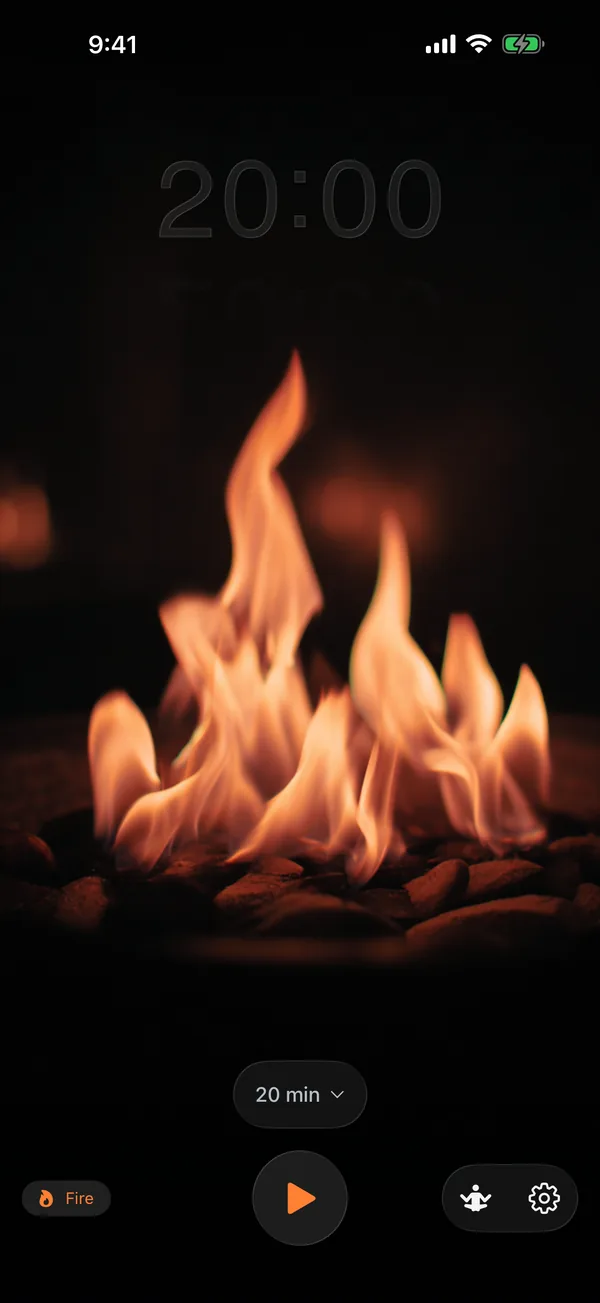
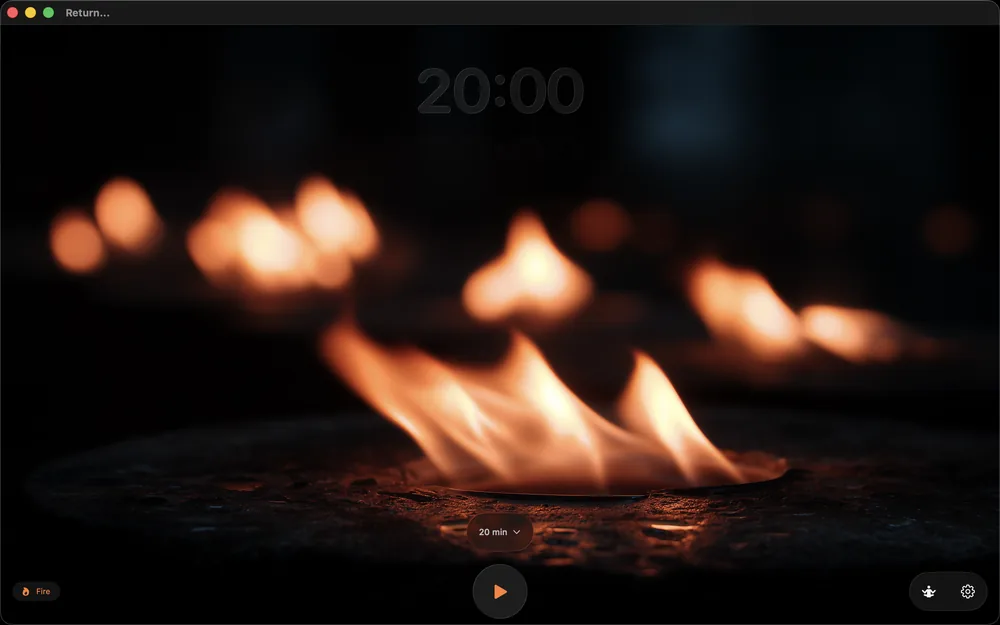
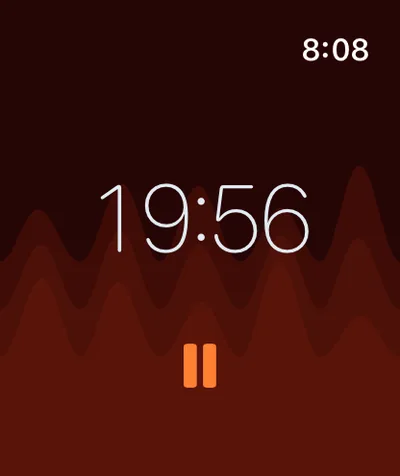
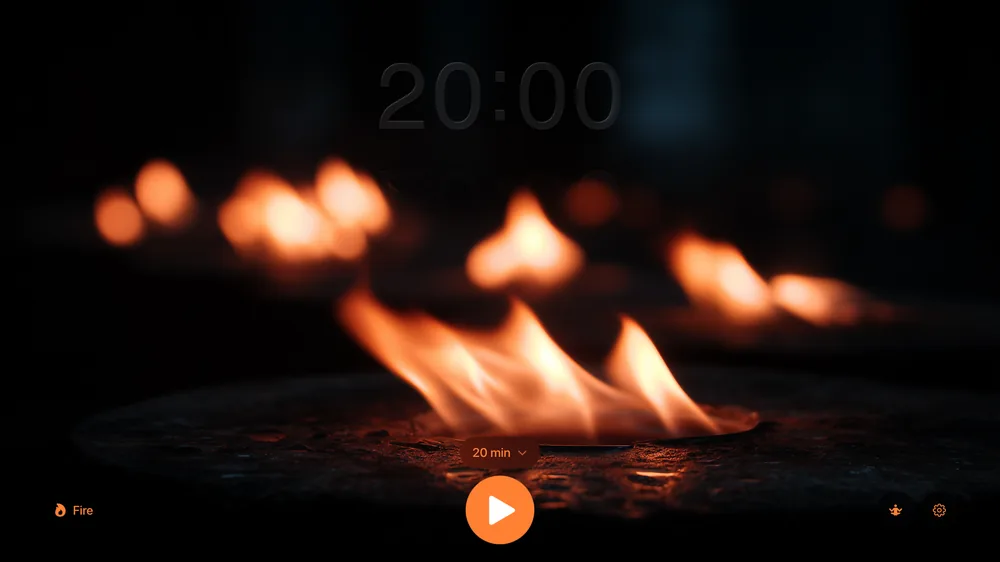
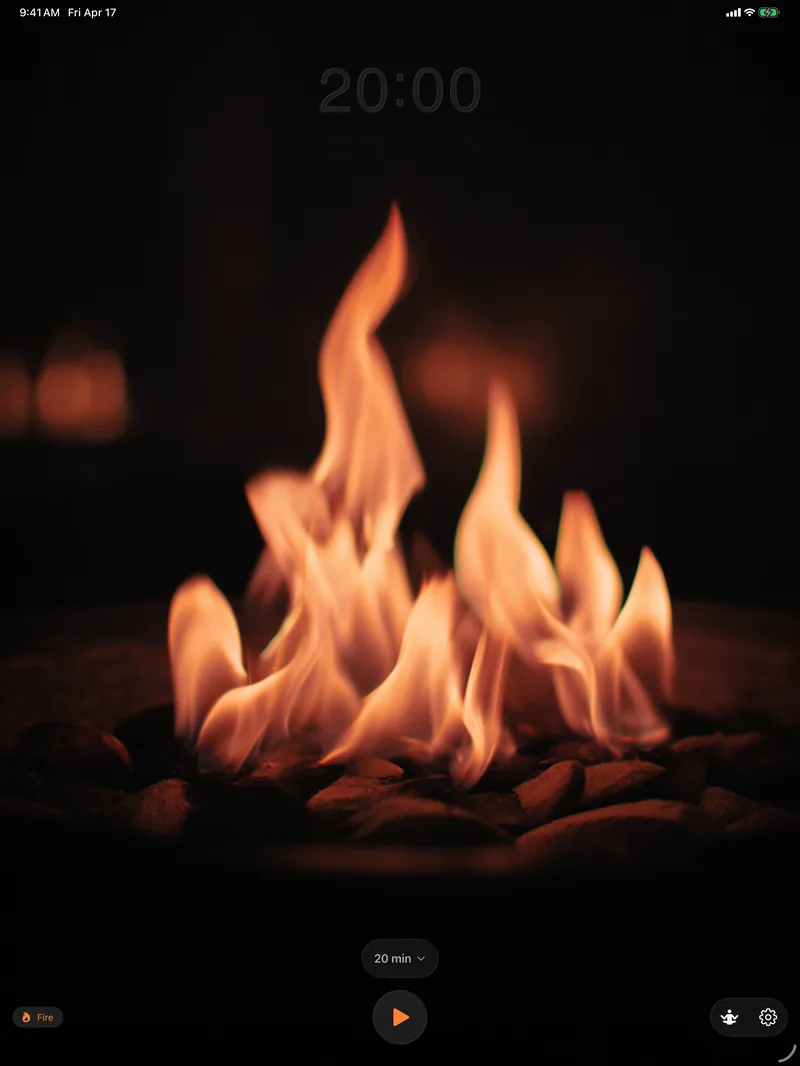
该共享之处方才共享。
一个 Shared/ 目录承载所有目标必须达成共识的部分:MeditationSession 数据模型、SessionStore iCloud 封装,以及 SessionHistoryView。设置通过 App Group(group.com.941apps.Return)在 Watch 与手机之间同步。其余部分刻意按平台区分。
最清晰的例子是那一行决定某次会话是否已写入 HealthKit 的代码。iPhone 直接写入,所以会话结束的瞬间,"已同步"为 true。Mac 与 TV 根本无法写入 HealthKit,所以"已同步"为 false,直到 iPhone 稍后接手待处理的会话。同一意图,相反的布尔值,一个 #if:
/// Save session to SessionStore for cross-device sync and HealthKit syncing
private func saveSessionToStore(startTime: Date, endTime: Date) {
    // On iOS: if healthKitEnabled, we save directly to HealthKit, so mark as synced
    // On Mac: if healthKitEnabled, we want to sync to iPhone, so mark as NOT synced
    #if os(iOS)
    let alreadySynced = settings.healthKitEnabled
    #else
    let alreadySynced = !settings.healthKitEnabled
    #endif

    let session = MeditationSession(
        startDate: startTime,
        endDate: endTime,
        sourceDevice: .current,
        syncedToHealthKit: alreadySynced
    )

    SessionStore.shared.addSession(session)
}
我始终回到这个模式:能让意图清晰可读的最少行数。当同一个布尔值在不同平台意味着不同的事,就把它写成不同的布尔值。#if 就成了文档的一部分。
二十七种语言,以及从右至左的支持。
Return 是我发布过的第一款覆盖所有我在意语言的 Apple App。二十七种语言都经过了完整的审校流程,包括阿拉伯语和希伯来语。这一切都存放在一个 Localizable.xcstrings 文件里,这听起来不像听上去那么壮烈。只要你愿意停止手动拼接字符串,Xcode 会替你完成大部分工作。
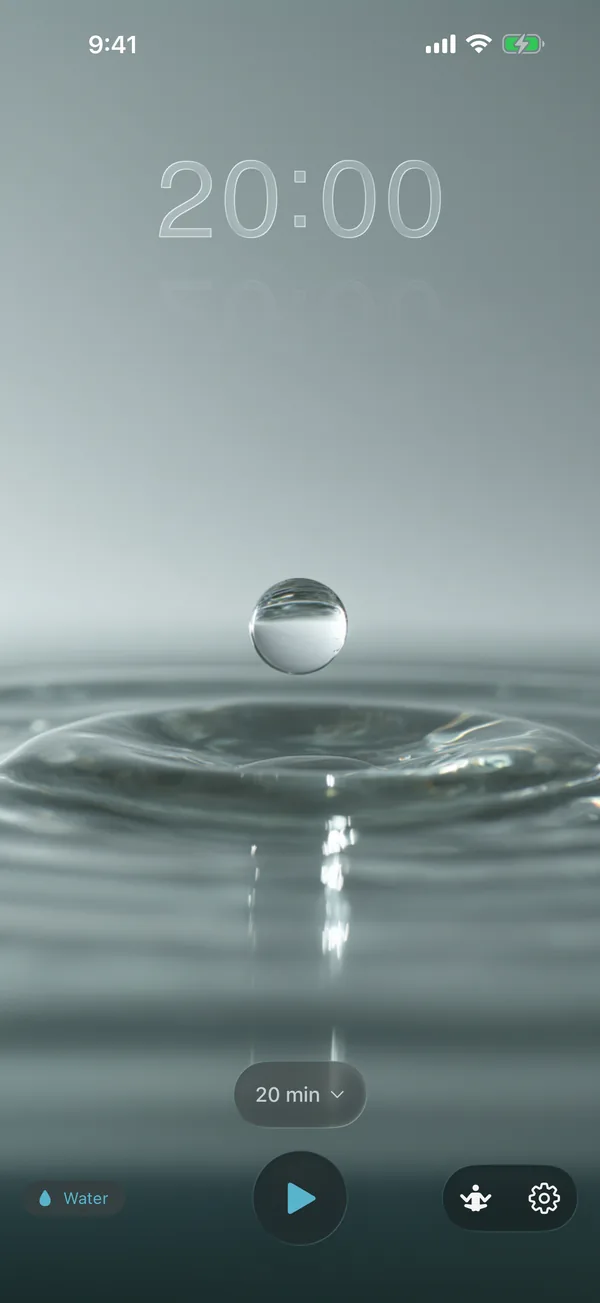
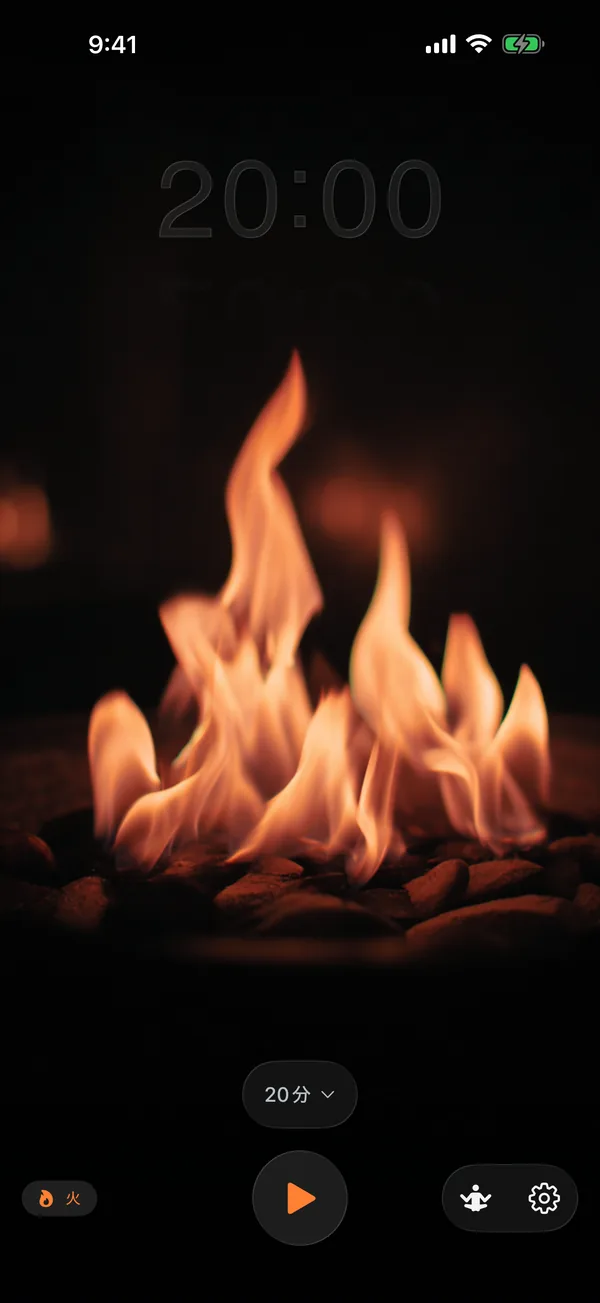
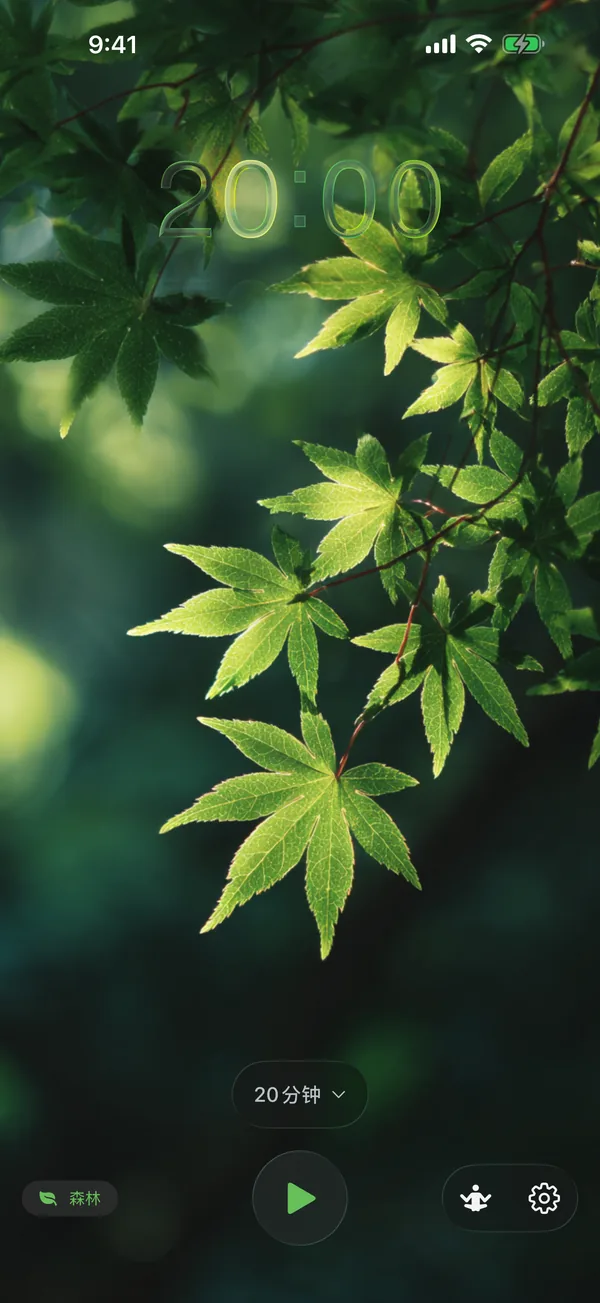
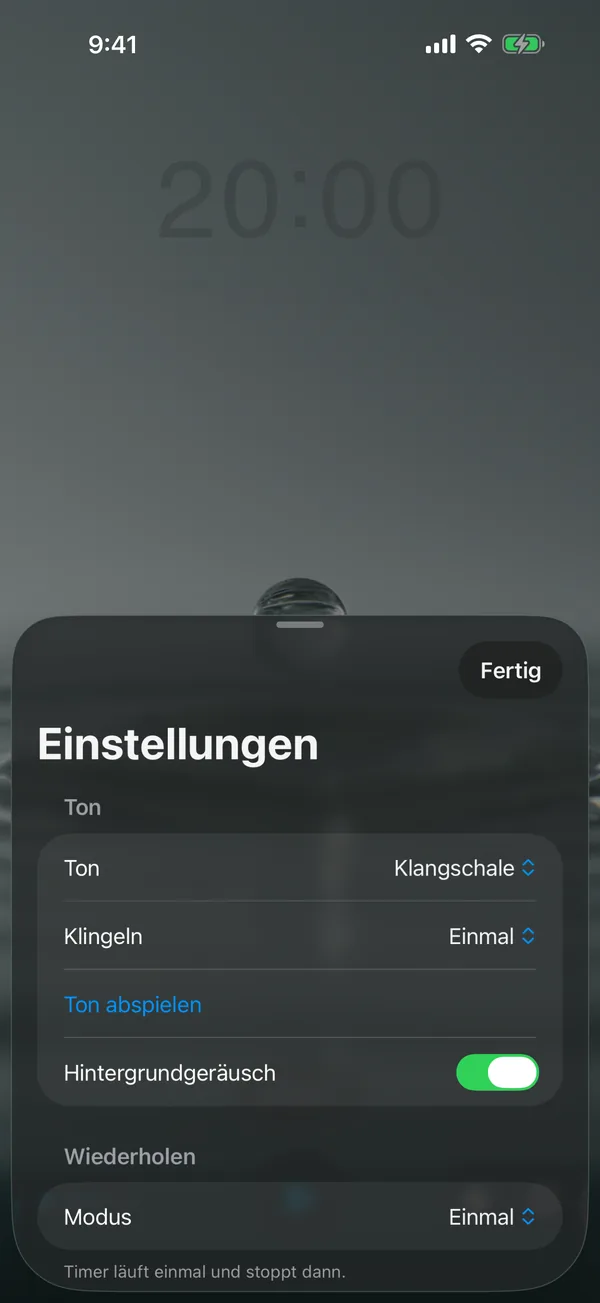
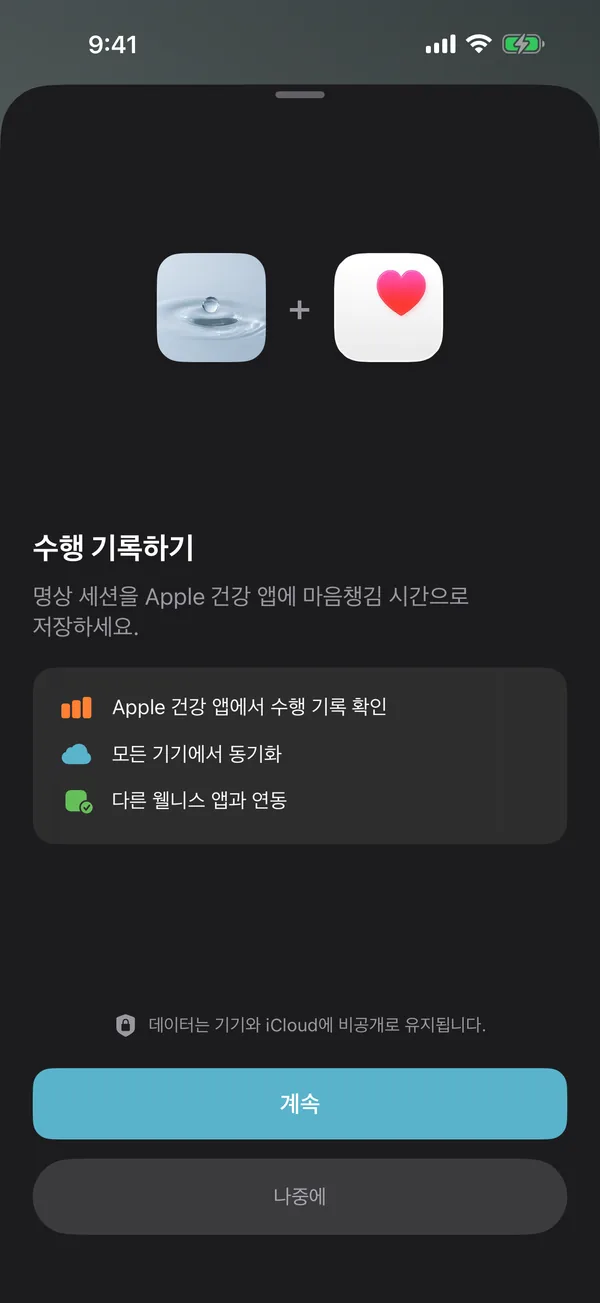
只要你不与之对抗,RTL 就是白送的胜利。
SwiftUI 把 .leading 与 .trailing 当作语义方向,而非像 .left 与 .right 那样固定不变的方向。按语义方向排版一次,同一个页面就会在阿拉伯语、希伯来语、波斯语或乌尔都语中自动镜像,无需专用代码路径。设置标签翻转、返回箭头反向、开关位置对调。主题图标(水滴、火焰、叶片)原地不动。我没有为此写过一行 RTL 代码。
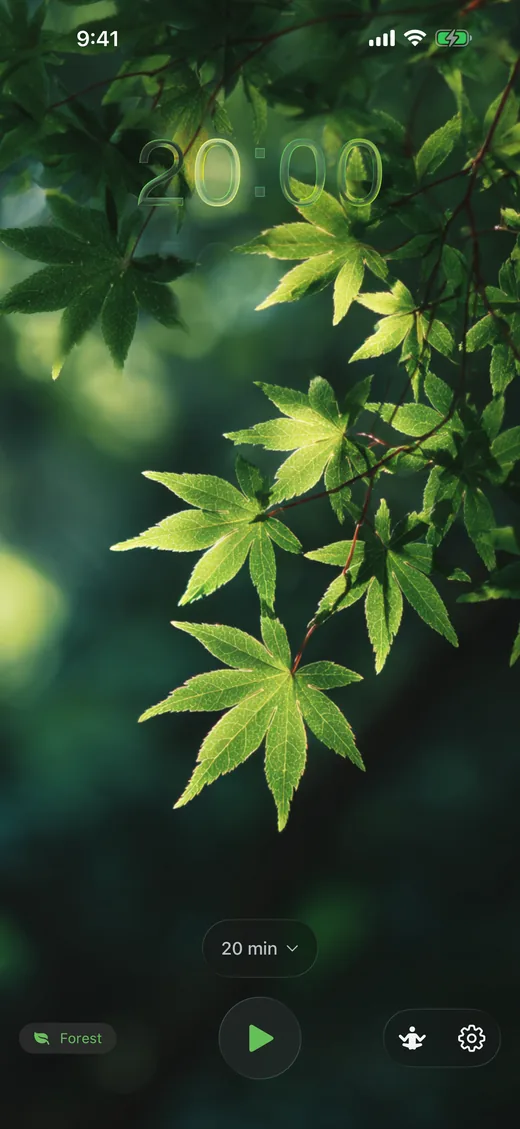
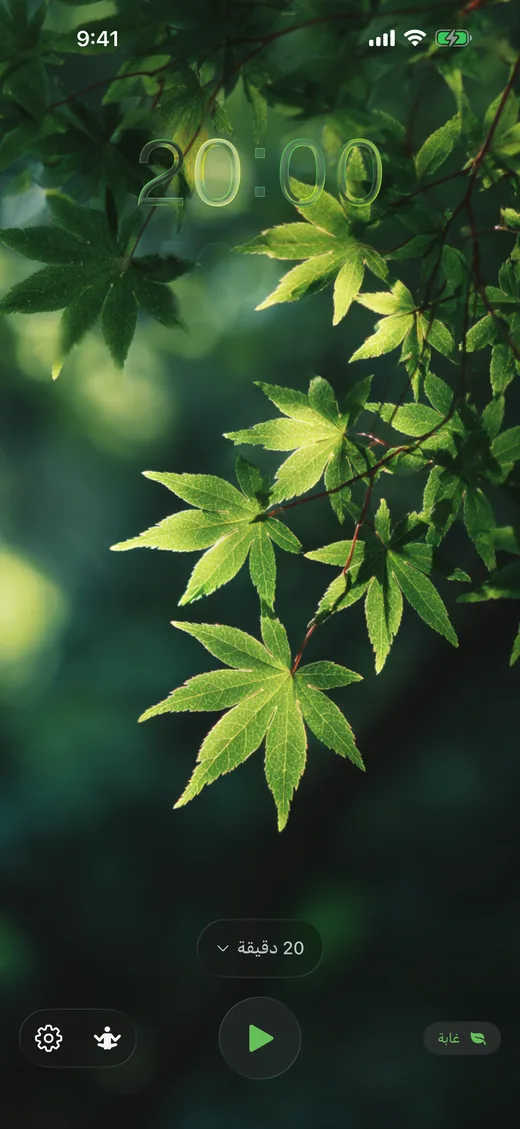
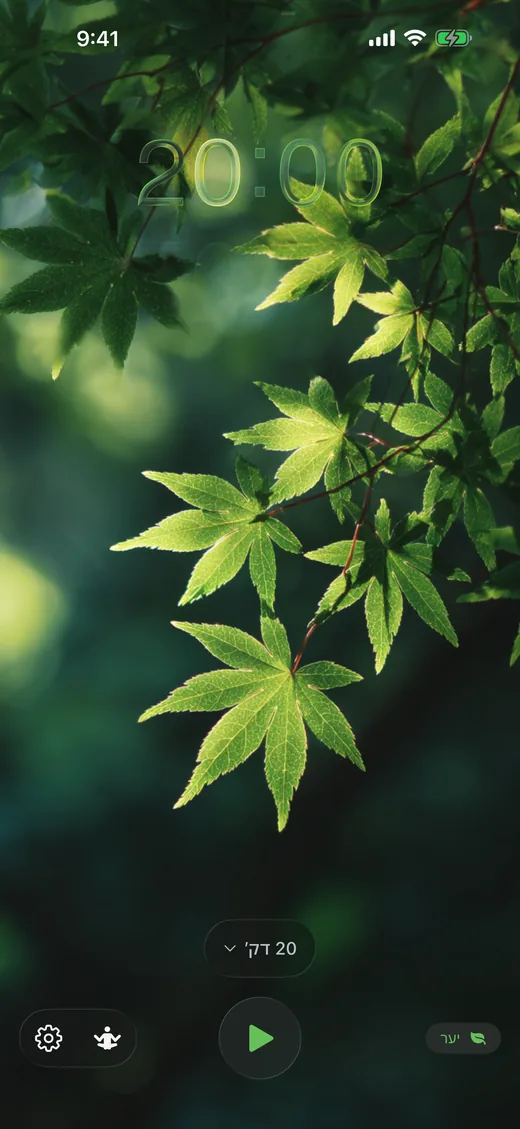
有一个例外是我在发布前抓到的:SwiftUI 会把布局方向同样应用到 Text 视图,这意味着阿拉伯语和希伯来语截图的第一版里,计时器显示的是 "00:02" 而不是 "20:00"——拉丁数字被从右至左排列了。在所有承载时间或数字内容的 Text 视图上加一个 .environment(\.layoutDirection, .leftToRight) 修饰符就解决了。上面的截图来自已经包含该修饰符的发布版本。
截图集由 fastlane 生成,它以不同的 -AppleLanguages 参数运行同一套 UI 测试。App 自身的 effectiveLocale 模式读取该标志,重建视图层级,并捕获结果。一个辅助函数,二十七种语言,四种设备类别,全部在一个通宵任务中完成。
/// The locale to use for the app - either user-selected or system default
/// In snapshot mode, always use system language (set by -AppleLanguages)
/// to allow screenshot generation for different locales
private var effectiveLocale: Locale {
    if isSnapshotMode || appLanguage.isEmpty {
        if let preferredLanguage = Locale.preferredLanguages.first {
            return Locale(identifier: preferredLanguage)
        }
        return .current
    }
    return Locale(identifier: appLanguage)
}

var body: some Scene {
    WindowGroup {
        WatchContentView()
            .preferredColorScheme(.dark)
            .environment(\.locale, effectiveLocale)
            .id(appLanguage) // Force rebuild when locale changes
    }
}
.id(appLanguage) 是那个物超所值的细节。没有它,SwiftUI 会缓存旧的视图层级,运行时切换语言后字符串不会刷新。有了它,整棵树都会被丢弃并重建,所有内容都会自动重新读取本地化字符串。一行代码,一整类 bug 被消除。
正念分钟,终于来了。
Apple 原生的 Watch 正念 App 把内置的 Reflect 与 Breathe 会话上限设为五分钟。HealthKit API 本身并没有这个上限。它会欣然接受任何结束时间晚于开始时间的 HKCategorySample。限制存在于 UI,而不是系统。Return 在每台设备上都放了一个 5 到 60 分钟的选择器,并如实写入你真正静坐的时长。
/// Save a mindful session with the given start and end time
func saveMindfulSession(start: Date, end: Date) async -> Bool {
    guard isAvailable else { return false }

    // Don't save if end is before or equal to start
    guard end > start else { return false }

    let sample = HKCategorySample(
        type: mindfulType,
        value: HKCategoryValue.notApplicable.rawValue,
        start: start,
        end: end
    )
    ...
}
唯一的校验是 end > start。这也是 HealthKit 自身全部的校验。Apple 的 API 一直都乐于记录一次四十五分钟的冥想。只是请求这件事的按钮一直缺席。
其中三台设备没有 HealthKit,也能跨设备工作。
Mac 与 Apple TV 根本没有 HealthKit。显而易见的回应是"那就别在那上面记录会话了"。不那么显而易见、但正确的回应是:照样记录,写入 iCloud Key-Value Store,等 iPhone 下次唤醒时由它接手。Return 的 SessionStore 是共享存储,MeditationSession.syncedToHealthKit 是待处理标志,HealthKitManager.syncPendingSessions() 在 iOS App 每次回到前台时都会运行。
iCloud Key-Value Store
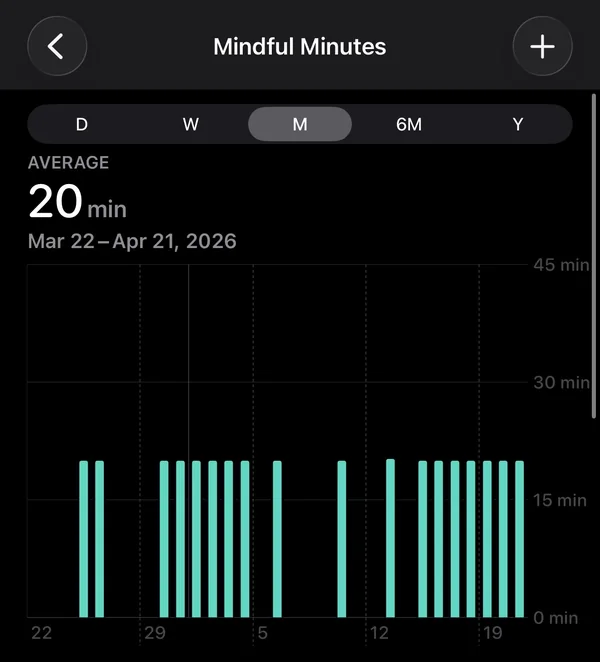
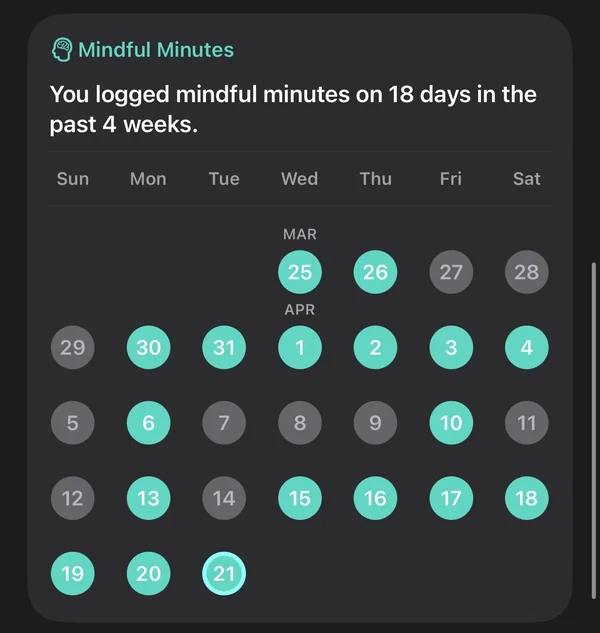
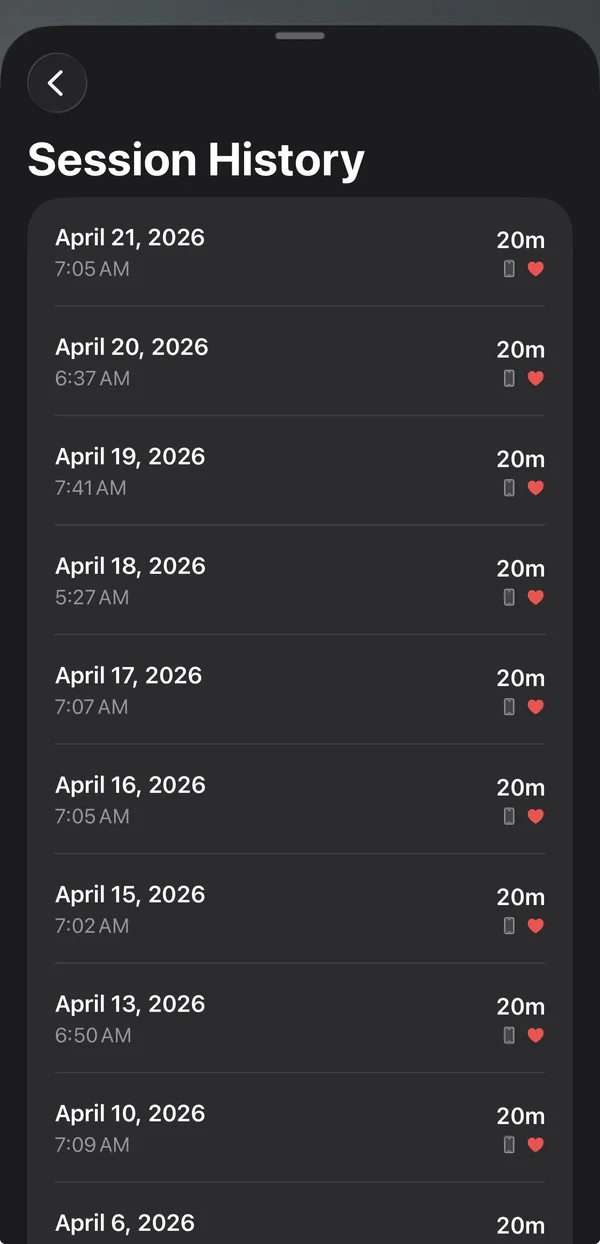
这是一块我认为 Apple 自己该做的事:一个真正的跨平台正念分钟写入器,不需要你在 Mac 上想冥想时还得保持手机处于活跃状态。在 Apple 做之前,Return 先做了。
水从何而来。
四款主题。四段环境音循环。三种铃声。所有这些都是生成的,而大多数都被丢弃了。视频来自 Midjourney,音频来自 ElevenLabs,真正重要的工作不是提示词。是剪辑。看着两百张水滴的排列网格,挑出那一个能够无缝循环、没有可见接缝的。听着四十种寺庙钟声的变体,直到有一种拥有正确的起音、正确的衰减,并且不会听起来像手机通知。
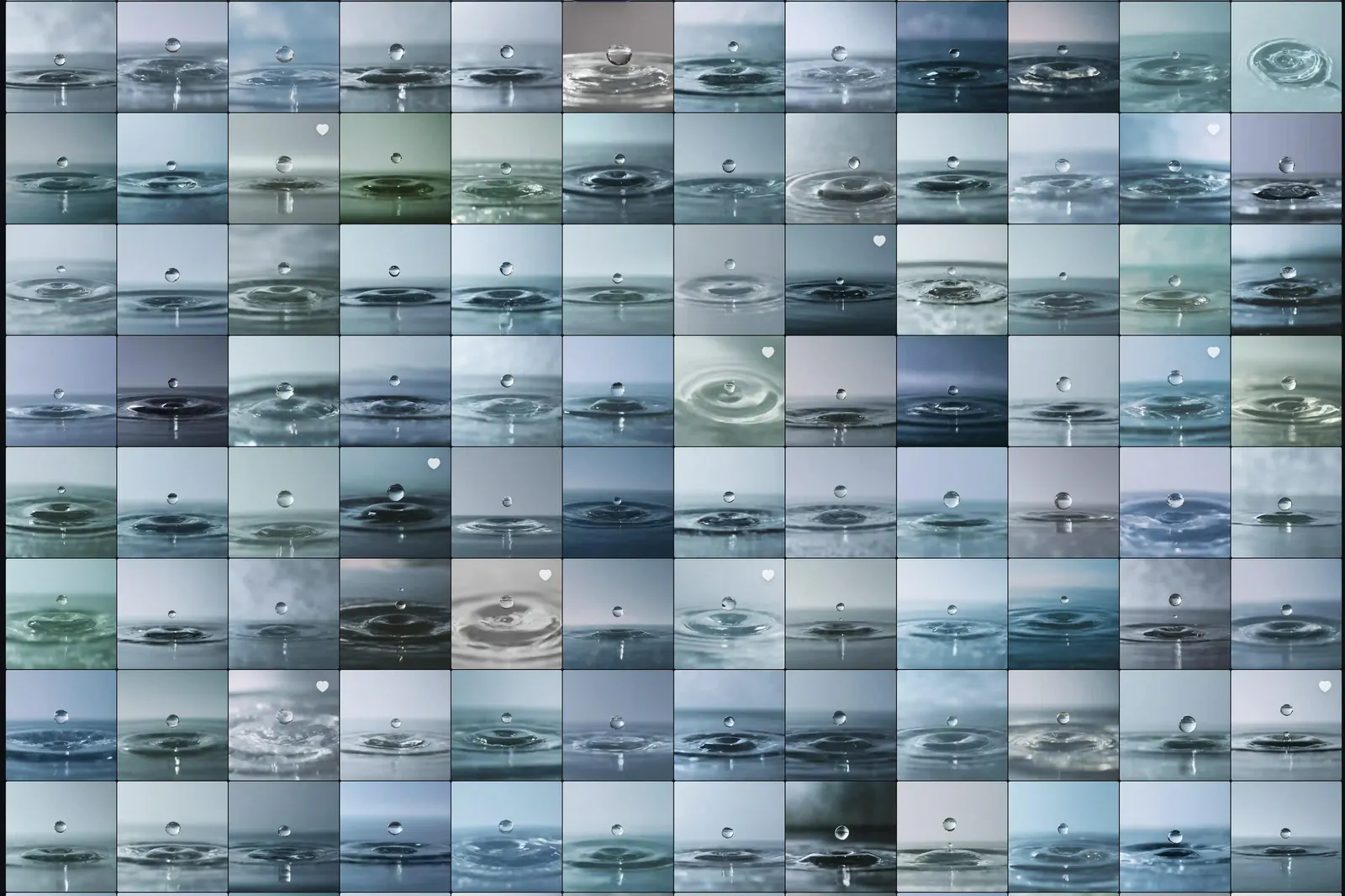
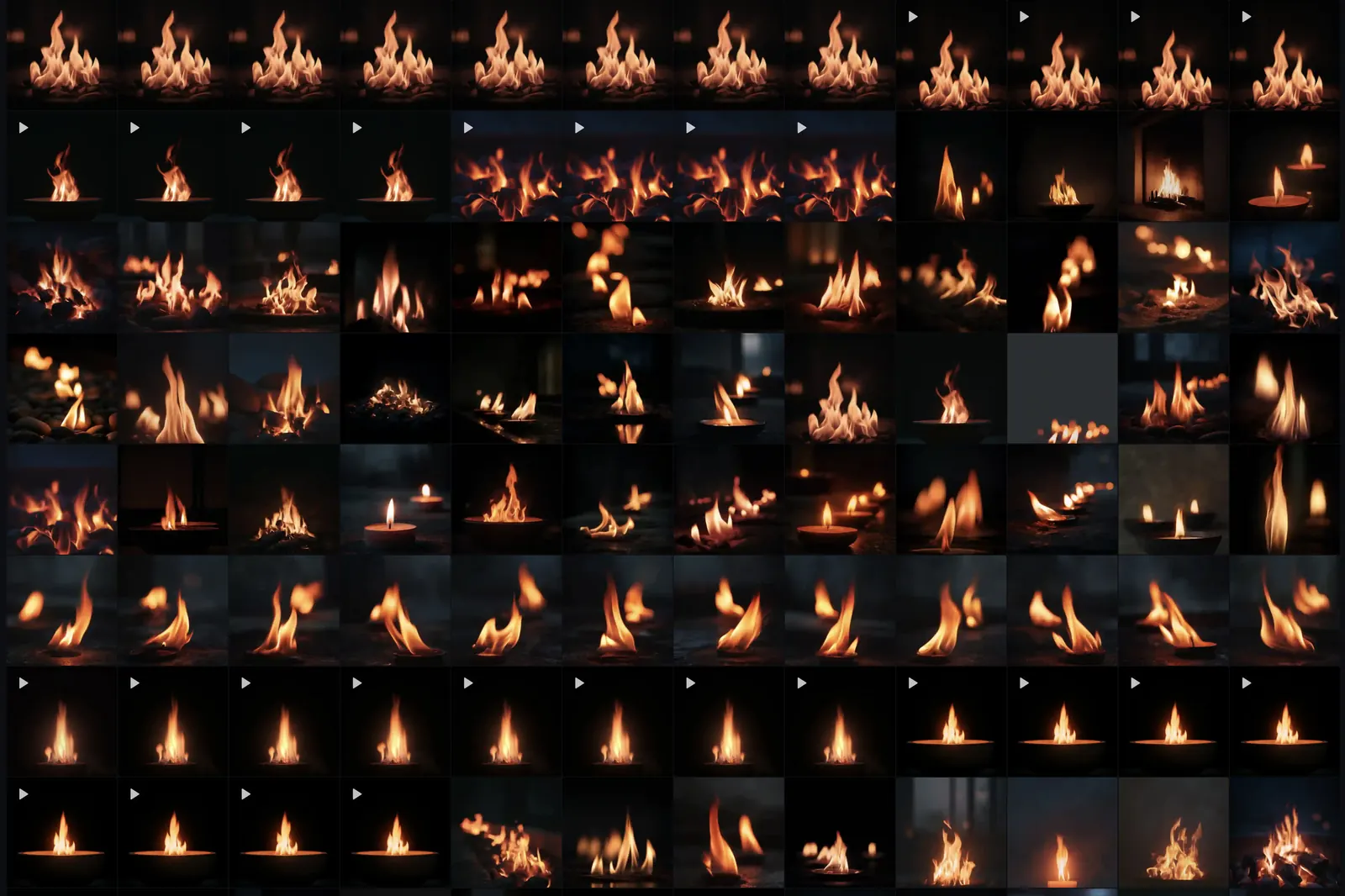
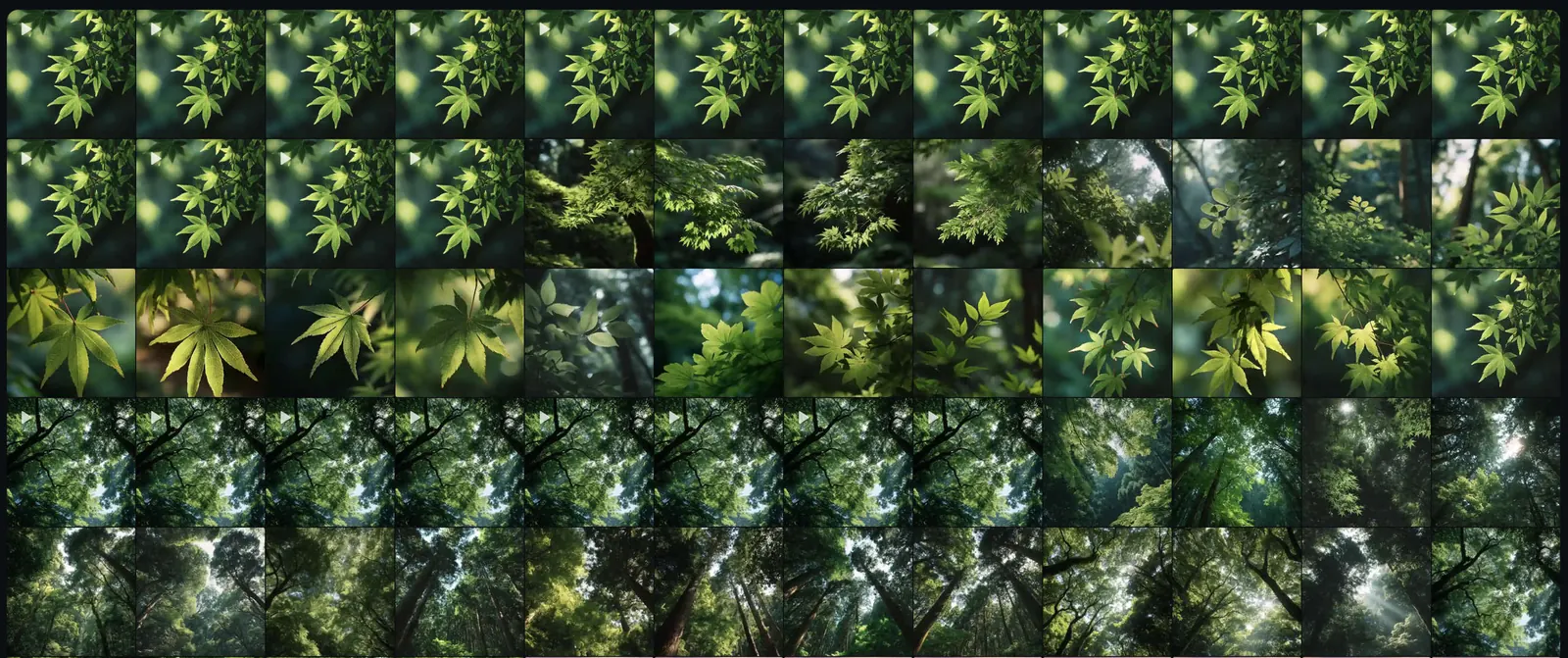
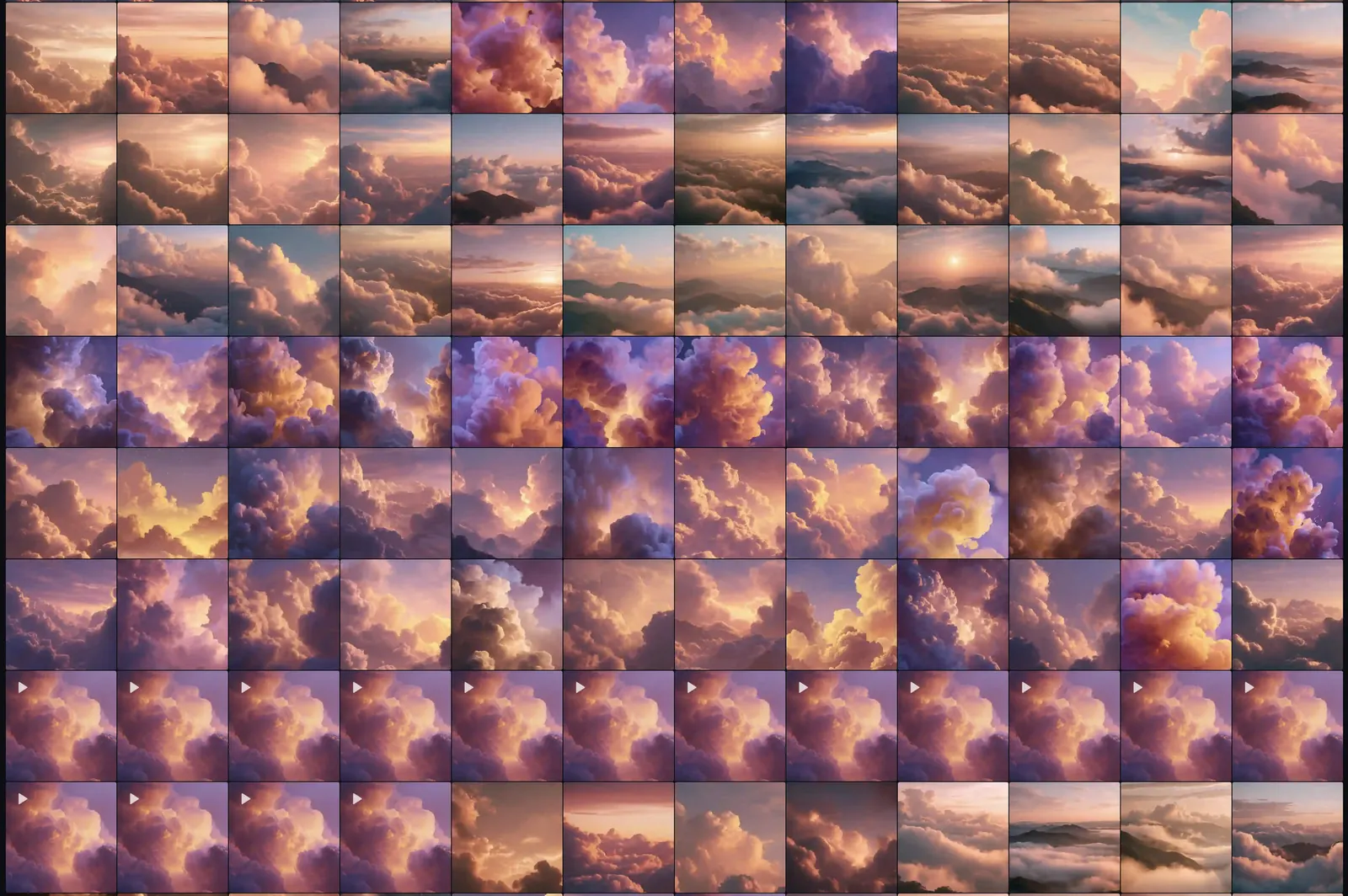
每一块图格都是一次生成。心形是通过第一轮筛选的。播放三角形是我进一步做成了视频的。最终发布了四款主题。其余全部留在网格中,而这正是整个过程的意义所在:比例才是关键。
铃声在音频上经历了相同的弧线。提示、聆听、精修、再提示。我留下了三种:Singing Bowl、Temple Bell、Soft Chime。每一种都反复迭代,直到它不再听起来合成。
我不会假装去数总共生成了多少次。每款主题数百次是诚实的说法。纪律不在于提示词。它在于丢弃一切仅仅不错的,只留下那些能在计时器背后静默陪伴二十分钟、却从不让你注意到它们的。
为什么是计时器,而不是老师。
这一段是私人的。我做 Return 是因为我早已有一套冥想修行,却找不到一款懂得让路的计时器。我真正在坐的,是日本禅宗的武家一脉:Takuan、Yagyu、Musashi、Dogen、Hakuin。不是那些大型 App 所售卖的疗愈式正念。不同的意图,不同的质地。
某一周里轮换的内容:
- Susokukan(数息)。随呼吸从一数到十,每当数到一半遗失便回到一。根基。先建立专注,joriki。
- Shikantaza(只管打坐)。无对境。不数数、不参话头、不观想。不执著的心。Dogen 的核心坐禅形式,也是我真正想要的那种状态最接近的正式形态。
- Koan(公案)。主要是 Joshu 的 Mu。一个无法被思考解决的问题,被持守至思考放弃。
- Maranasati(死观)。Hagakure 的视角。慎用。求生会紧缩心念;这一法切穿它。
- Isshin(一心)。Takuan 与 Yagyu 的领域:放松而不松懈,沉稳而灵动。从坐垫到接下来一切之间的桥梁。
- 整合日。感恩、慈悲、传承。Jihi。Katsujinken:活人剑,而非杀人剑。通常在周六。
- Sakki(对敌意的觉察)。每次会话末尾附加五分钟的开放聆听。让 shikantaza 走下坐垫,在日常环境中接受压力测试。
轮换并不僵硬。需要稳定时用数息。需要突破时用公案。需要在开放中休息时用只管打坐。需要澄清生死赌注时用死观。多样性本身就属于训练。
Return 是一款计时器,因为我不需要手机里有老师。我需要的,是某样替我看住钟、用我尊重的铃声标记起始与结束、在其间让出路的东西。如果你已经有修行,那大概也是你想要的。如果你是新手,去找一位坐在房间里的老师。然后再回来。
Return 里没有什么。
Return 不是 Calm。也不是 Headspace。这里没有带着英式口音的解说员把你引入身体扫描。没有庆祝你连续坚持的卡通头像。没有解锁新引导课程的订阅。Return 是一款计时器。其理念是:如果你已经有修行,你在 App 里就不需要老师。你需要的是一个替你看管时间、然后让出路的工具。
- 没有引导语音或旁白
- 没有连续天数、积分或游戏化
- 没有订阅或 App 内购买
- 永远没有广告
- 没有分析统计;App 什么也不追踪
- 没有社交登录或分享
- 没有骚扰弹窗,没有冷启动弹窗
- 内购流程里没有阴暗套路,因为根本没有内购流程
Return 里有的,刻意保持精简:四种重复模式(一次、直到停止、直到指定时间、重复 N 次)、每个循环之间两秒的呼吸停顿、每次切换时一至三声铃响、三种铃声可选、四款主题、HealthKit 授权选项,以及一个语言选择器。这就是整个产品。
如此严格的代价,体现在设置模型上。每一项面向用户的偏好,都由属性本身钳制到合法范围,而不是由 UI 校验完成。只要一不留神,UI 校验也会成为一种阴暗套路。bellRepeatCount 的 getter 不可能返回 1、2、3 之外的值。向底层的 @AppStorage 写入 0 或 47 会被静默钳制回允许的范围。
@ObservationIgnored
@AppStorage("bellRepeatCount") private var _bellRepeatCount = 1

/// Validated bell repeat count (1-3)
var bellRepeatCount: Int {
    get { max(1, min(3, _bellRepeatCount)) }
    set { _bellRepeatCount = max(1, min(3, newValue)) }
}
Return 售价 $2.99。一次购买,永久拥有。没有需要维护的服务器成本、没有需要续订的订阅、没有盯着你在做什么的分析管线。产品就是产品。如果你想了解我为何坚持以这种方式做 App 的更长版本,去读 Minimum Worthy Product 和 The Steve Test。短版本就在这一节里。
应用背后的文章
Return 配套一个由 250 多篇研究支撑文章组成的文库,涵盖冥想、心智训练与恢复——正是这些思考塑造了这款应用的构建方式。以下是几个入口: