Raycast: 生產力 UI 的藝術
Raycast如何實現50ms以下回應:macOS原生設計、鍵盤優先、擴充生態和HUD模式。附Swift程式碼。
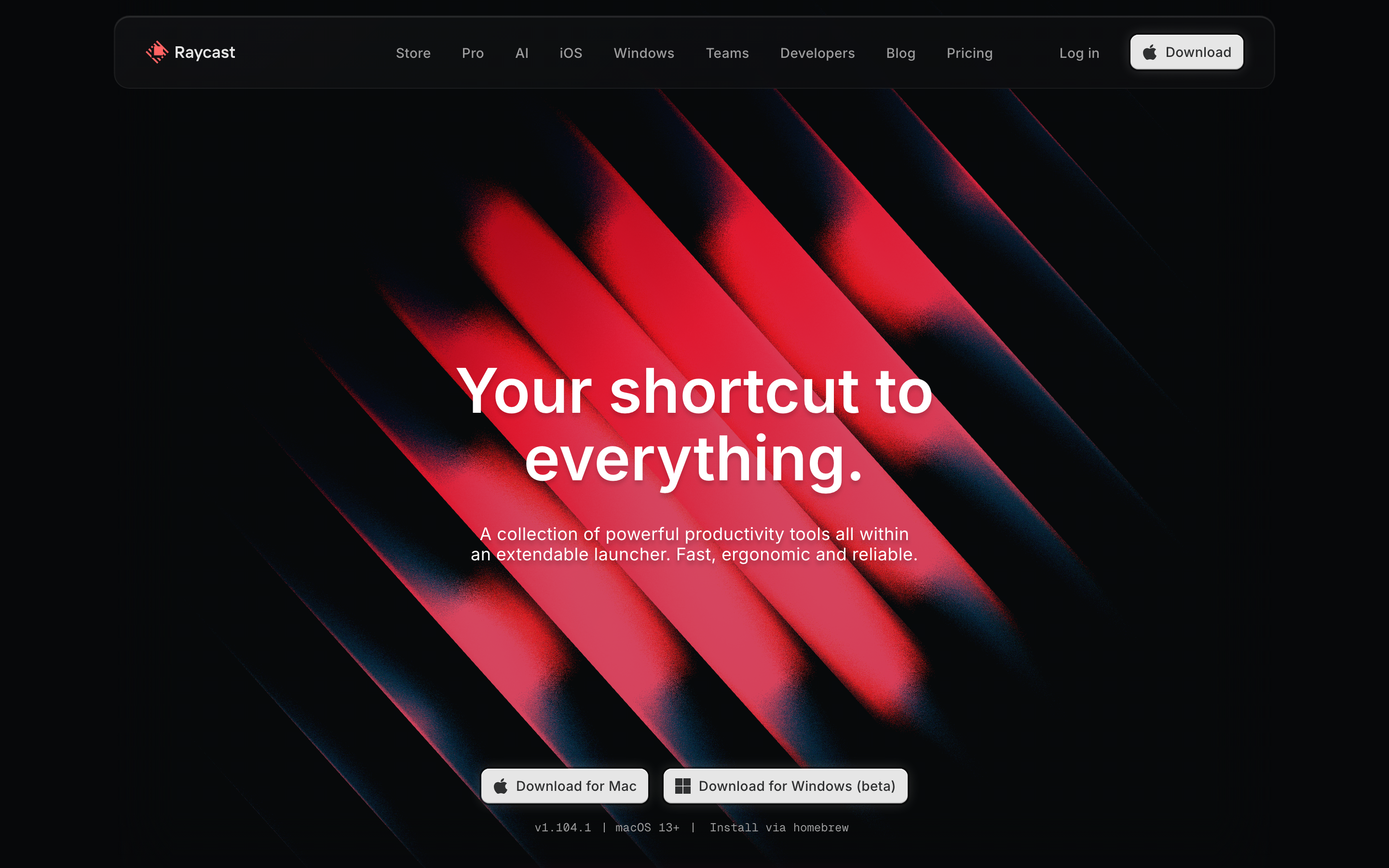
「我們相信最好的工具不會妨礙你的工作。」— Raycast 團隊
Raycast 是一款 macOS 啟動器,已取代 Spotlight 成為進階使用者的首選。它展示了如何在追求極致效率的同時,保持溫度與個性。
為什麼 Raycast 值得關注
Raycast 證明了實用型軟體不必冰冷無情。它結合了: - 極速響應(啟動時間 <50ms) - 鍵盤優先的互動方式 - 透過商店實現的擴充性 - 透過精緻細節展現的個性
主要成就: - 重新定義啟動器的可能性 - 證明開發者工具也能擁有個性 - 建立了蓬勃發展的擴充套件生態系統 - 為 macOS 原生設計樹立新標準
核心要點
- 50ms 是速度臨界值 - 使用者能感知任何超過 50ms 的延遲;這應視為硬性工程限制,而非參考指標
- 原生平台整合建立信任 - 毛玻璃效果、SF Symbols、系統強調色和標準快捷鍵讓 Raycast 感覺像是 macOS 的一部分
- 鍵盤快捷鍵必須可被發現 - 在結果中直接顯示快捷鍵(⌘1、⌘2),而非隱藏在工具提示或文件中
- 個性不應犧牲效能 - 成就達成時的彩帶、趣味的空狀態、巧妙的文案都能帶來愉悅感,卻不增加延遲
- 擴充套件生態系統需要設計語言 - 第三方擴充套件之所以感覺原生,是因為它們使用相同的表單元件、操作面板和導航模式
核心設計原則
1. 即時響應
Raycast 感覺像是思緒的延伸。零延遲。無需等待。
實現方式: - 原生 Swift 實作(非 Electron) - 預載入擴充套件索引 - 積極的快取策略 - 最佳化的渲染管線
50ms 法則: 任何超過 50ms 的操作,使用者都會察覺。Raycast 將此視為硬性限制。
設計影響: - 立即顯示 UI,非同步載入資料 - 繁重操作使用骨架狀態 - 絕不阻塞主執行緒 - 優先本地處理而非網路請求
// Raycast-style instant response pattern
struct SearchView: View {
    @State private var results: [Result] = []
    @State private var isLoading = false

    var body: some View {
        VStack {
            // Show immediately with cached data
            ForEach(cachedResults) { result in
                ResultRow(result)
            }

            if isLoading {
                // Unobtrusive loading indicator
                ProgressView()
                    .scaleEffect(0.5)
            }
        }
        .task(id: query) {
            isLoading = true
            results = await search(query)
            isLoading = false
        }
    }
}
2. 深度 macOS 整合
Raycast 感覺像是 macOS 的原生組成部分。它尊重平台慣例,同時不斷突破邊界。
原生行為: - 毛玻璃和模糊效果(NSVisualEffectView) - 系統強調色 - 全面使用 SF Symbols - 原生鍵盤快捷鍵 - 遵循系統深色/淺色模式
實作方式:
// macOS vibrancy
struct RaycastWindow: View {
    var body: some View {
        VStack {
            // Content
        }
        .background(.ultraThinMaterial)  // Native blur
        .clipShape(RoundedRectangle(cornerRadius: 12, style: .continuous))
    }
}

// System accent color
Text("Selected")
    .foregroundStyle(.tint)  // Follows system preference

// SF Symbols with semantic colors
Image(systemName: "checkmark.circle.fill")
    .foregroundStyle(.green)
視窗設計:
┌────────────────────────────────────────────────────────────┐
│ ░░░░░░░░░░░░░░░░░░░░░░░░░░░░░░░░░░░░░░░░░░░░░░░░░░░░░░░░ │
│ ░░                                                      ░░ │
│ ░░  > Search Raycast...                                 ░░ │
│ ░░                                                      ░░ │
│ ░░  ┌────────────────────────────────────────────────┐  ░░ │
│ ░░  │ [A]  Applications                      Cmd+1   │  ░░ │
│ ░░  │ [F]  File Search                       Cmd+2   │  ░░ │
│ ░░  │ [C]  Clipboard History                 Cmd+3   │  ░░ │
│ ░░  │ [S]  System Commands                   Cmd+4   │  ░░ │
│ ░░  └────────────────────────────────────────────────┘  ░░ │
│ ░░                                                      ░░ │
│ ░░░░░░░░░░░░░░░░░░░░░░░░░░░░░░░░░░░░░░░░░░░░░░░░░░░░░░░░ │
└────────────────────────────────────────────────────────────┘
                    ↑ 毛玻璃效果讓桌面透過視窗顯示
3. 卓越的鍵盤體驗與視覺回饋
每個操作都有鍵盤快捷鍵。每個快捷鍵都有視覺確認。
快捷鍵顯示模式:
RESULTS LIST:
┌────────────────────────────────────────────────────────────┐
│ Recent Applications                                        │
│                                                            │
│  (*)  Visual Studio Code                         Cmd+1     │
│       ~/Projects/my-app                                    │
│                                                            │
│  ( )  Figma                                      Cmd+2     │
│       ~/Design/project.fig                                 │
│                                                            │
│  ( )  Terminal                                   Cmd+3     │
│                                                            │
│ ───────────────────────────────────────────────────────────│
│  Actions                            Cmd+K  or  ->  to see  │
└────────────────────────────────────────────────────────────┘
操作面板:
┌────────────────────────────────────────────────────────────┐
│ Actions for "Visual Studio Code"                  esc <-   │
│                                                            │
│  Open                                             Enter    │
│  Open in New Window                           Cmd+Enter    │
│  ──────────────────────────────────────────────────────── │
│  Show in Finder                             Cmd+Shift+F    │
│  Copy Path                                  Cmd+Shift+C    │
│  ──────────────────────────────────────────────────────── │
│  Move to Trash                           Cmd+Backspace     │
└────────────────────────────────────────────────────────────┘
設計原則: - 內嵌顯示快捷鍵(而非工具提示) - 按修飾鍵分組快捷鍵 - 在預期位置使用標準 macOS 快捷鍵 - 助記模式(⌘⇧F = Finder)
4. 細節中的個性
Raycast 高效但不冷漠。微小的驚喜讓它令人難忘。
範例: - 達成成就時的彩帶 - 操作時的細微音效 - 趣味的空狀態 - 給進階使用者的彩蛋
空狀態範例:
┌────────────────────────────────────────────────────────────┐
│                                                            │
│                        [?]                                 │
│                                                            │
│               No results for "asdfgh"                      │
│                                                            │
│          Try searching for something else,                 │
│          or check out the Extension Store                  │
│                                                            │
│              [Browse Extensions]                           │
│                                                            │
└────────────────────────────────────────────────────────────┘
彩帶模式(用於成就):
// After completing onboarding, earning badge, etc.
ConfettiView()
    .transition(.opacity)
    .animation(.spring(), value: showConfetti)
個性設計準則: - 愉悅感不應造成延遲 - 慶祝是贏得的(而非隨機出現) - 文案中的個性(「找不到結果...」vs「錯誤:0 個結果」) - 音效是選擇性的且不突兀
5. 擴充套件生態系統設計
Raycast 的擴充套件商店設計精美。
擴充套件卡片:
┌────────────────────────────────────────────────────────────┐
│  ┌──────┐                                                  │
│  │ [+]  │  GitHub                                          │
│  │      │  Search repos, PRs, and issues                   │
│  └──────┘                                                  │
│           ★★★★★  1.2k ratings  •  By Raycast               │
│                                                            │
│           [Install]                                        │
└────────────────────────────────────────────────────────────┘
擴充套件詳細檢視:
┌────────────────────────────────────────────────────────────┐
│                                                            │
│  ← GitHub                                     [Uninstall]  │
│                                                            │
│  ┌──────────────────────────────────────────────────────┐ │
│  │                                                       │ │
│  │           [Screenshot of extension in use]           │ │
│  │                                                       │ │
│  └──────────────────────────────────────────────────────┘ │
│                                                            │
│  Commands                                                  │
│  ├─ Search Repositories                                    │
│  ├─ My Pull Requests                                       │
│  ├─ Search Issues                                          │
│  └─ Create Issue                                           │
│                                                            │
│  Changelog                                                 │
│  ├─ v2.1.0  Added organization filtering                   │
│  └─ v2.0.0  Complete rewrite with new API                  │
│                                                            │
└────────────────────────────────────────────────────────────┘
6. 擴充功能的表單設計
擴充功能採用一致的表單系統。
表單模式:
┌────────────────────────────────────────────────────────────┐
│ Create GitHub Issue                                   esc  │
│                                                            │
│  Repository                                                │
│  ┌──────────────────────────────────────────────────────┐ │
│  │ raycast/extensions                               ▾   │ │
│  └──────────────────────────────────────────────────────┘ │
│                                                            │
│  Title                                                     │
│  ┌──────────────────────────────────────────────────────┐ │
│  │ Bug: Search not working                              │ │
│  └──────────────────────────────────────────────────────┘ │
│                                                            │
│  Description                                               │
│  ┌──────────────────────────────────────────────────────┐ │
│  │ When I search for...                                 │ │
│  │                                                       │ │
│  │                                                       │ │
│  └──────────────────────────────────────────────────────┘ │
│                                                            │
│  Labels                                    (optional)      │
│  ┌──────────────────────────────────────────────────────┐ │
│  │ [bug] [needs-triage]                             +   │ │
│  └──────────────────────────────────────────────────────┘ │
│                                                            │
│           [Create Issue ⌘↵]    [Cancel esc]                │
│                                                            │
└────────────────────────────────────────────────────────────┘
表單元件樣式:
// Raycast-style form in SwiftUI
Form {
    Section("Repository") {
        Picker("", selection: $repo) {
            ForEach(repos) { repo in
                Text(repo.name).tag(repo)
            }
        }
        .labelsHidden()
    }

    Section("Title") {
        TextField("Bug: ...", text: $title)
    }

    Section("Description") {
        TextEditor(text: $description)
            .frame(minHeight: 100)
    }
}
.formStyle(.grouped)
值得學習的設計模式
搜尋優先模式
一切從搜尋開始。
┌────────────────────────────────────────────────────────────┐
│  > |                                                       │
│    ^ 啟動後游標立即出現在這裡                                │
│                                                            │
│  輸入以搜尋指令、應用程式、檔案等                            │
└────────────────────────────────────────────────────────────┘
實作方式: - 啟動時自動聚焦搜尋框 - 模糊匹配並標示匹配處 - 智慧排序(最近使用 + 使用頻率 + 相關性) - 輸入時即時顯示結果
階層式導航
深層功能但不增加複雜度。
第一層:主搜尋
    ↓ Enter
第二層:擴充功能指令
    ↓ Enter
第三層:操作結果
    ↓ ⌘K
第四層:操作面板

任何時候:esc 返回上一層
HUD 確認提示
快速回饋且不打斷操作流程。
操作完成後:
┌────────────────────────┐
│  ✓ 已複製到剪貼簿       │
└────────────────────────┘
    ↑ 短暫出現後淡出
      無需手動關閉
// HUD pattern
struct HUDView: View {
    @State private var show = false

    var body: some View {
        if show {
            Text("✓ Copied")
                .padding(.horizontal, 16)
                .padding(.vertical, 8)
                .background(.regularMaterial)
                .cornerRadius(8)
                .transition(.opacity.combined(with: .scale))
                .onAppear {
                    DispatchQueue.main.asyncAfter(deadline: .now() + 1.5) {
                        withAnimation { show = false }
                    }
                }
        }
    }
}
從 Raycast 借鏡的精華
啟動器/搜尋介面
- 50 毫秒或失敗 - 速度不容妥協
- 隨處可見的鍵盤快捷鍵 - 可發現而非隱藏
- 模糊搜尋並標示匹配 - 顯示結果匹配的原因
- 操作面板 (⌘K) - 情境感知的操作選項
- HUD 確認提示 - 快速、非阻斷式回饋
macOS 應用程式
- 原生毛玻璃效果 - 使用 NSVisualEffectView/.material
- SF Symbols - 與系統保持一致
- 系統顏色 - 尊重使用者的強調色偏好
- 連續圓角 - .cornerRadius(style: .continuous)
- 標準快捷鍵 - 不要重新發明 ⌘C、⌘V 等
具體技巧
| 技巧 | 應用方式 |
|---|---|
| 即時啟動 | 預熱視窗,延遲載入內容 |
| 模糊搜尋 | 使用 Fuse.js 或類似函式庫 |
| 快捷鍵提示 | 在結果中內嵌顯示 ⌘1、⌘2 等 |
| 操作面板 | 次要操作透過 ⌘K 或 → 觸發 |
| HUD 回饋 | Toast 風格,自動消失 |
| 擴充功能 API | 清晰的介面契約,一致的 UI |
色彩系統
Raycast 使用與系統綁定的語意化顏色。
// Raycast-inspired semantic colors
extension Color {
    static let rayBackground = Color(nsColor: .windowBackgroundColor)
    static let raySecondary = Color.secondary
    static let rayTertiary = Color(nsColor: .tertiaryLabelColor)

    // Status colors
    static let raySuccess = Color.green
    static let rayWarning = Color.orange
    static let rayError = Color.red

    // Accent follows system
    static let rayAccent = Color.accentColor
}

// Dark mode example
struct ResultRow: View {
    var body: some View {
        HStack {
            Image(systemName: "app.fill")
                .foregroundStyle(.secondary)

            Text("Application Name")
                .foregroundStyle(.primary)

            Spacer()

            Text("⌘ 1")
                .font(.caption)
                .foregroundStyle(.tertiary)
                .padding(.horizontal, 6)
                .padding(.vertical, 2)
                .background(Color.secondary.opacity(0.2))
                .cornerRadius(4)
        }
        .padding(.horizontal, 12)
        .padding(.vertical, 8)
    }
}
核心洞察
「每一毫秒都至關重要。使用者能感受到 50ms 和 100ms 之間的差異。」
「鍵盤快捷鍵應該是可被發現的,而非需要從文件中記憶。」
「個性讓軟體令人難忘。效率讓軟體不可或缺。」
「擴充功能應該感覺是原生的,而非外掛上去的。相同的 UI 語言,相同的互動方式。」
常見問題
Raycast 如何達到低於 50ms 的回應時間?
Raycast 使用原生 Swift 實作(非 Electron),在啟動時預載擴充功能索引,積極快取搜尋結果,並優化渲染管線。UI 會立即顯示,同時資料在背景非同步載入。50ms 門檻被視為硬性限制,而非目標。
為什麼 Raycast 看起來如此原生於 macOS?
Raycast 使用 NSVisualEffectView 實現半透明模糊效果,所有圖示採用 SF Symbols,系統強調色會尊重使用者偏好設定,並使用標準 macOS 鍵盤快捷鍵。視窗具有連續圓角,並自動跟隨系統深色/淺色模式。
Raycast 對鍵盤快捷鍵的設計理念是什麼?
每個操作都有鍵盤快捷鍵直接顯示在結果中(⌘1、⌘2 等),而非隱藏在工具提示中。快捷鍵使用助記符模式(⌘⇧F 開啟 Finder、⌘⇧C 複製路徑)。操作面板(⌘K)提供次要操作及其專屬快捷鍵。
Raycast 如何在不影響速度的情況下增添個性?
慶祝動畫是經過努力獲得且簡短的——彩紙會在達成成就後出現,而非隨機顯示。空白狀態使用俏皮的文案(「找不到符合...的結果」而非「錯誤:0 筆結果」)。音效是可選的且不打擾使用者。愉悅感永遠不會阻擋使用者或增加延遲。
Raycast 的擴充功能系統如何維持一致性?
所有擴充功能使用相同的 UI 元件(表單、列表、操作面板),遵循相同的導覽模式(Enter 深入、Escape 返回),並繼承系統樣式。API 強制執行一致性,使第三方擴充功能與內建功能無法區分。
資源
- 官方網站: raycast.com
- 商店: raycast.com/store - 研究擴充功能設計
- 文件: 擴充功能開發指南
- 部落格: 效能相關工程文章
- GitHub: github.com/raycast - 開源擴充功能











