Vercel: Developer Experience as Design
How Vercel made developer experience the product: dark-mode-first design, tab status indicators, optimistic UI, and functional empty states.
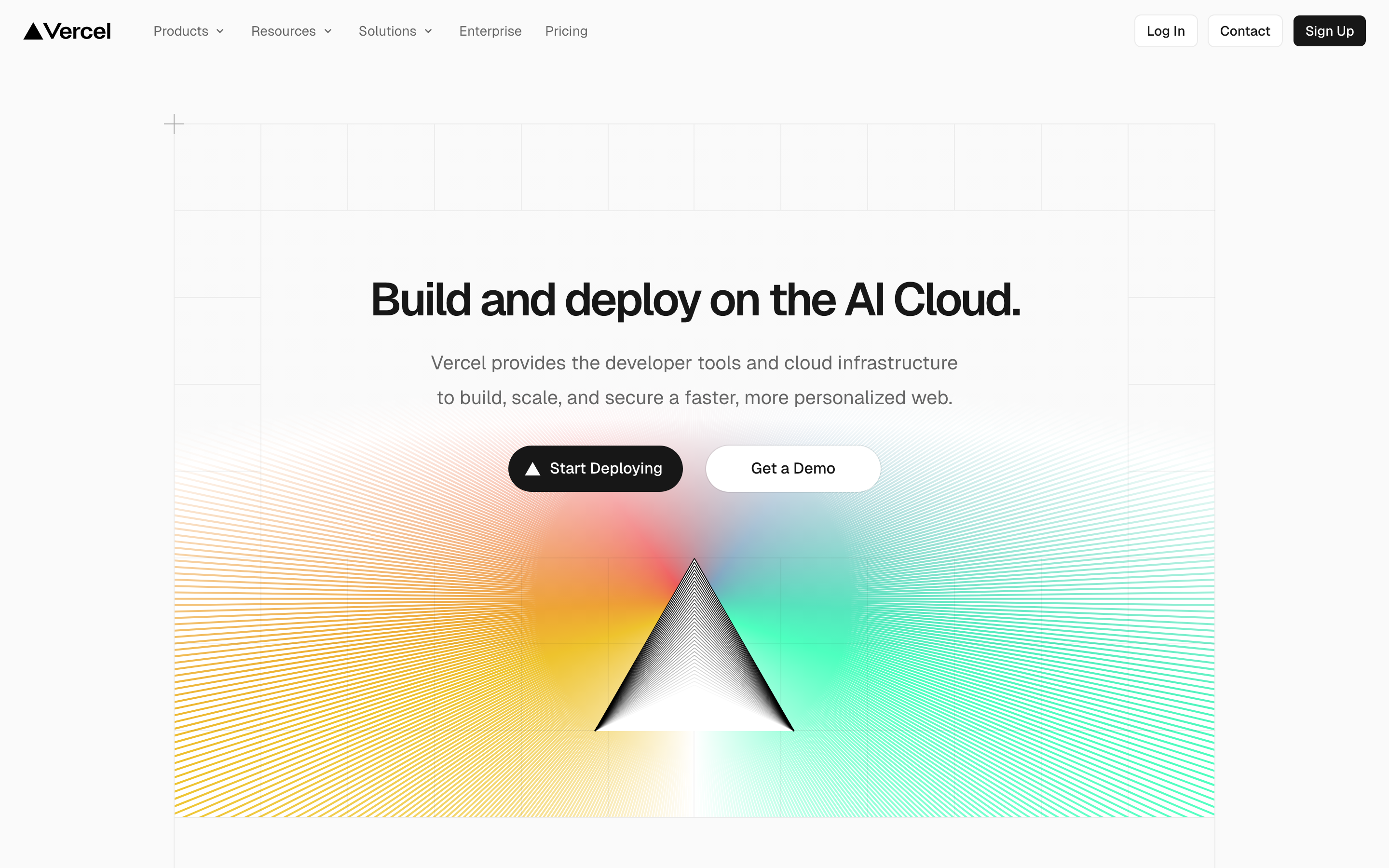
Vercel: Developer Experience as Design
“Developers are allergic to bad UX—they don’t want ‘delightful onboarding’ if it slows them down.”
Vercel’s design philosophy is ruthlessly developer-centric. The Geist design system prioritizes clarity, speed, and information density over decoration. Every pixel serves the developer’s workflow.
Why Vercel Matters
Vercel proves that developer tools can have exceptional design without being “designery.” The dashboard is fast, information-dense, and gets out of the way.
Key achievements:
- Created Geist, a typeface designed specifically for developers
- Dashboard redesign decreased First Meaningful Paint by 1.2s
- Pioneered dark-mode-first design in developer tooling
- Set the standard for deployment UX
- Tab icons that reflect deployment status (building, error, ready)
Key Takeaways
- Dark mode is respect, not a feature - Developers work in terminals and IDEs with dark backgrounds; a white dashboard creates jarring context switches and eye strain
- Status belongs everywhere you can see it - Tab favicons, page titles, timeline dots: deployment status should be visible without switching focus or opening tabs
- Optimistic UI eliminates perceived latency - Show expected state immediately, sync with reality in background; developers notice 300ms delays
- Empty states are instructions, not illustrations - Show the exact command to run (
git push origin main), not a decorative graphic with “Get started” button - Performance is design - Vercel’s dashboard redesign decreased First Meaningful Paint by 1.2s; no amount of beautiful animations compensates for slow load times
Core Design Philosophy
The Developer-Centric Principle
Developers judge products by how little they slow them down. Vercel’s design reflects this:
ANTI-PATTERNS (What developers hate)      VERCEL'S APPROACH
───────────────────────────────────────────────────────────────────
"Delightful" animations that add delay    Instant, no-transition states
Onboarding wizards that block work        CLI-first, dashboard optional
Dense documentation hidden in tabs        Information visible at glance
Loading spinners on every action          Optimistic updates + SWR
Marketing copy in the dashboard           Pure functional UI
Key insight: Developers don’t want to be “delighted.” They want to ship.
Pattern Library
1. Dark Mode Excellence
Vercel’s dark mode isn’t a toggle. It’s the default. The design is surgical: stark black and white creates maximum contrast.
Color philosophy:
:root {
  /* The Vercel palette is remarkably simple */

  /* Backgrounds - pure black, no gray */
  --bg-000: #000000;
  --bg-100: #0A0A0A;
  --bg-200: #111111;

  /* Foreground - high contrast white */
  --fg-100: #FFFFFF;
  --fg-200: #EDEDED;
  --fg-300: #A1A1A1;
  --fg-400: #888888;

  /* Borders - subtle but visible */
  --border-100: #333333;
  --border-200: #444444;

  /* Semantic - deployment status */
  --color-success: #00DC82;  /* Green - deployed */
  --color-error: #FF0000;    /* Red - failed */
  --color-warning: #FFAA00;  /* Amber - building */
  --color-info: #0070F3;     /* Blue - queued */

  /* The accent - Vercel's signature */
  --accent: #FFFFFF;         /* White as accent on black */
}
Why pure black works:
- Maximum contrast for text readability
- Terminal-inspired aesthetic developers trust
- Reduces eye strain in dark environments
- Makes colored status indicators pop
2. Tab Status Indicators
Vercel reflects deployment status in browser tab icons, making information visible even when the tab isn’t focused.
┌─ Browser Tab Bar ──────────────────────────────────────────────────┐
│                                                                    │
│  [▶] acme-web - Building    [✓] blog - Ready    [✕] api - Error   │
│                                                                    │
└────────────────────────────────────────────────────────────────────┘

Tab Icon States:
  ⏳ Queued (gray circle)
  ▶  Building (animated spinner)
  ✓  Ready (green checkmark)
  ✕  Error (red X)
Implementation pattern:
// Dynamic favicon based on deployment status
function updateFavicon(status) {
  const link = document.querySelector("link[rel~='icon']");

  const icons = {
    queued: '/favicon-queued.svg',
    building: '/favicon-building.svg',  // Animated
    ready: '/favicon-ready.svg',
    error: '/favicon-error.svg',
  };

  link.href = icons[status];
}

// Title also reflects status
function updateTitle(projectName, status) {
  const prefixes = {
    queued: '⏳',
    building: '▶',
    ready: '✓',
    error: '✕',
  };

  document.title = `${prefixes[status]} ${projectName} - Vercel`;
}
Key insight: Developers have many tabs open. Status visible in the tab bar means they don’t have to switch tabs to check build status.
3. Deployment Timeline
The deployment inspector shows a clear timeline of the deployment process.
┌─ Deployment Timeline ──────────────────────────────────────────────┐
│                                                                    │
│  [o] Queued                                  12:34:56 PM           │
│  │                                                                 │
│  [o] Building                                12:34:58 PM           │
│  │ └─ Installing dependencies... 3.2s                              │
│  │ └─ Building... 12.4s                                            │
│  │ └─ Generating static pages... 2.1s                              │
│  │                                                                 │
│  [o] Deploying                               12:35:14 PM           │
│  │ └─ Uploading build outputs...                                   │
│  │                                                                 │
│  [*] Ready                                   12:35:18 PM           │
│    └─ https://acme-abc123.vercel.app                               │
│                                                                    │
│  Total: 22s                                                        │
│                                                                    │
└────────────────────────────────────────────────────────────────────┘
Visual encoding:
.timeline-step {
  position: relative;
  padding-left: 24px;
}

.timeline-step::before {
  content: '';
  position: absolute;
  left: 0;
  top: 6px;
  width: 10px;
  height: 10px;
  border-radius: 50%;
  background: var(--step-color);
}

/* Connecting line */
.timeline-step:not(:last-child)::after {
  content: '';
  position: absolute;
  left: 4px;
  top: 16px;
  width: 2px;
  height: calc(100% - 6px);
  background: var(--border-100);
}

/* Step states */
.timeline-step[data-status="complete"]::before {
  background: var(--color-success);
}

.timeline-step[data-status="active"]::before {
  background: var(--color-warning);
  animation: pulse 1.5s infinite;
}

.timeline-step[data-status="error"]::before {
  background: var(--color-error);
}

.timeline-step[data-status="pending"]::before {
  background: var(--fg-400);
}
4. Log Viewer Design
Vercel’s log viewer is integrated into the deployment overview, not a separate page.
┌─ Build Logs ───────────────────────────────────────────────────────┐
│                                                                    │
│  Filter: [All ▼]  [Function: api/hello ▼]           [Copy] [↓]    │
│                                                                    │
├────────────────────────────────────────────────────────────────────┤
│                                                                    │
│  12:34:58.123  info   Installing dependencies...                   │
│  12:35:01.456  info   added 1234 packages in 3.2s                  │
│  12:35:01.789  info   Running build...                             │
│  12:35:14.012  info   ✓ Compiled successfully                      │
│  12:35:14.234  warn   Large bundle size: pages/index.js (245kb)    │
│  12:35:14.567  info   Generating static pages...                   │
│  12:35:16.890  info   ✓ Generated 42 pages                         │
│                                                                    │
└────────────────────────────────────────────────────────────────────┘
Key features:
- One-click copy to clipboard
- Filter by function or build output
- Log levels color-coded (info, warn, error)
- Timestamps with millisecond precision
- Shareable URLs for specific log lines
Implementation:
.log-line {
  display: flex;
  font-family: var(--font-mono);
  font-size: 12px;
  line-height: 1.6;
  padding: 2px 12px;
}

.log-line:hover {
  background: var(--bg-200);
}

.log-timestamp {
  color: var(--fg-400);
  min-width: 100px;
  margin-right: 12px;
}

.log-level {
  min-width: 48px;
  margin-right: 12px;
}

.log-level[data-level="info"] { color: var(--fg-300); }
.log-level[data-level="warn"] { color: var(--color-warning); }
.log-level[data-level="error"] { color: var(--color-error); }

.log-message {
  color: var(--fg-100);
  white-space: pre-wrap;
  word-break: break-word;
}
5. Empty States
Vercel’s empty states are functional, not decorative. They tell you what to do next.
┌─ Empty State: No Deployments ──────────────────────────────────────┐
│                                                                    │
│                                                                    │
│                         No deployments yet                         │
│                                                                    │
│               Push to your repository to create                    │
│                    your first deployment                           │
│                                                                    │
│                                                                    │
│           git push origin main                                     │
│                                                                    │
│                                                                    │
│                         [View Documentation]                       │
│                                                                    │
│                                                                    │
└────────────────────────────────────────────────────────────────────┘
Design principles:
- No decorative illustrations
- Clear action (the git command)
- Helpful link to docs
- Monospace for commands (copy-friendly)
Visual Design System
Typography (Geist)
Vercel created Geist specifically for developer experiences:
:root {
  /* Geist Sans - UI and body text */
  --font-sans: 'Geist', -apple-system, BlinkMacSystemFont, sans-serif;

  /* Geist Mono - code and technical content */
  --font-mono: 'Geist Mono', 'SF Mono', monospace;

  /* Size scale */
  --text-xs: 12px;
  --text-sm: 13px;
  --text-base: 14px;
  --text-lg: 16px;
  --text-xl: 18px;
  --text-2xl: 24px;

  /* Line heights */
  --leading-tight: 1.25;
  --leading-normal: 1.5;
  --leading-relaxed: 1.75;

  /* Letter spacing */
  --tracking-tight: -0.02em;
  --tracking-normal: 0;
  --tracking-wide: 0.02em;
}

/* Tabular numbers for data */
.tabular-nums {
  font-variant-numeric: tabular-nums;
}

/* Or use Geist Mono for comparisons */
.data-value {
  font-family: var(--font-mono);
}
Spacing System
:root {
  /* 4px base unit */
  --space-1: 4px;
  --space-2: 8px;
  --space-3: 12px;
  --space-4: 16px;
  --space-5: 20px;
  --space-6: 24px;
  --space-8: 32px;
  --space-10: 40px;
  --space-12: 48px;
  --space-16: 64px;
}
Border Radius
:root {
  /* Subtle, consistent radii */
  --radius-sm: 4px;
  --radius-md: 6px;
  --radius-lg: 8px;
  --radius-xl: 12px;
  --radius-full: 9999px;
}
Animation Patterns
Optimistic Updates
Vercel uses optimistic UI updates. Actions feel instant.
// SWR pattern for realtime updates
const { data, mutate } = useSWR('/api/deployments');

async function triggerDeploy() {
  // Immediately show "deploying" state
  mutate(
    { ...data, status: 'building' },
    false  // Don't revalidate yet
  );

  // Then actually trigger
  await fetch('/api/deploy', { method: 'POST' });

  // Revalidate to get real state
  mutate();
}
Subtle Loading States
/* Skeleton loading - no spinners */
.skeleton {
  background: linear-gradient(
    90deg,
    var(--bg-200) 0%,
    var(--bg-100) 50%,
    var(--bg-200) 100%
  );
  background-size: 200% 100%;
  animation: shimmer 1.5s infinite;
  border-radius: var(--radius-md);
}

@keyframes shimmer {
  0% { background-position: 200% 0; }
  100% { background-position: -200% 0; }
}
Button States
.button {
  transition: background 100ms ease, transform 100ms ease;
}

.button:hover {
  background: var(--fg-100);
}

.button:active {
  transform: scale(0.98);
}

/* No long transitions - instant feedback */
Performance Optimizations (Design-Informed)
Vercel’s dashboard redesign included design decisions that improved performance:
Techniques used:
- Preconnecting to API, Assets, and Avatar origins
- Critical API calls get higher browser priority
- Memoizing React components (useMemo, useCallback)
- ReactDOM.unstable_batchedUpdates reduced re-renders by 20%
- SWR for efficient realtime data updates
Key insight: Performance IS design. A slow dashboard with beautiful animations is worse than a fast dashboard with none.
Lessons for Our Work
1. Dark Mode as Default
When your users work in dark environments (terminals, IDEs), dark mode isn’t a feature—it’s respect.
2. Status in Every Corner
Tab icons, page titles, timeline indicators: status should be visible without focus.
3. Optimistic by Default
Show the expected state immediately. Update with reality in the background.
4. Developers Hate Waiting
No loading spinners if you can avoid them. Skeleton states, optimistic updates, prefetching.
5. Empty States Are Instructions
Don’t show a pretty illustration. Show the command they need to run.
Frequently Asked Questions
Why does Vercel use pure black (#000000) instead of dark gray for backgrounds?
Pure black provides maximum contrast for white text, creating optimal readability. It also matches the aesthetic of terminals and code editors that developers already use, making the dashboard feel like a native part of their workflow. Dark gray backgrounds often feel “softer” but reduce contrast and can appear washed out on high-DPI displays.
How do Vercel’s tab status indicators work?
Vercel dynamically updates the browser favicon based on deployment status: a spinner for building, green checkmark for ready, red X for error. The page title also updates with emoji prefixes (▶, ✓, ✕). This means developers can monitor multiple deployments across tabs without switching focus—status is visible at a glance in the browser tab bar.
What is Vercel’s approach to loading states?
Vercel avoids traditional loading spinners in favor of optimistic UI and skeleton screens. When you trigger a deployment, the UI immediately shows “building” state before the server confirms. The SWR library handles background revalidation. This makes actions feel instant even when network requests take 200-500ms.
What is Geist and why did Vercel create a custom typeface?
Geist is a typeface family Vercel designed specifically for developer interfaces. It includes Geist Sans for UI text and Geist Mono for code. The design optimizes for small sizes (12-14px) common in dashboards, includes tabular numbers for aligned data columns, and has distinct character shapes to prevent confusion between similar glyphs (l, 1, I).
How does Vercel handle empty states differently from other products?
Vercel’s empty states show actionable commands, not decorative illustrations. An empty deployments page displays git push origin main in monospace (making it copy-friendly) rather than a cartoon with a generic “Get started” button. The philosophy is that developers want to know exactly what to do, not be visually soothed.











